Reviews
Moderating customer reviews: show, hide or delete.
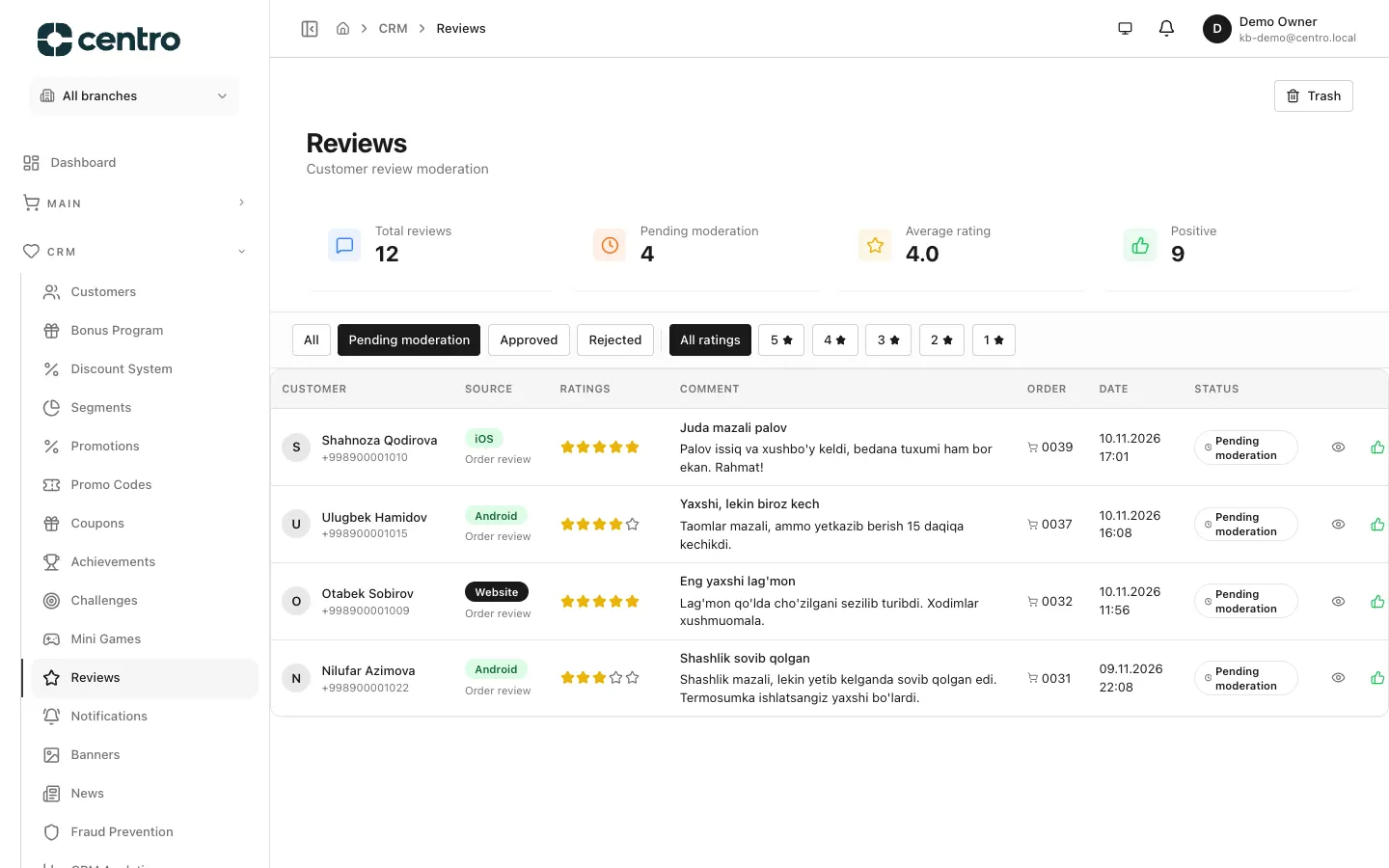
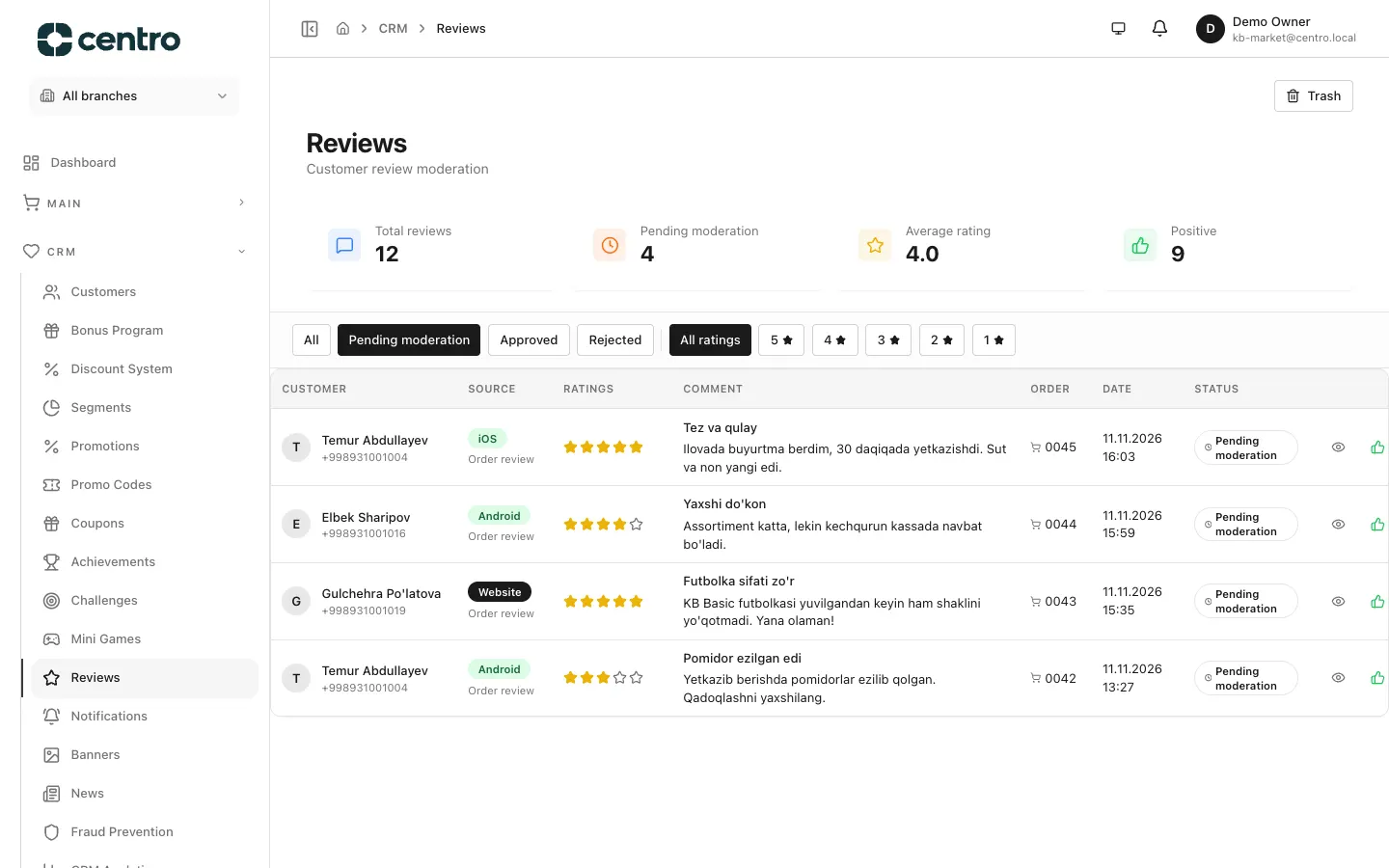
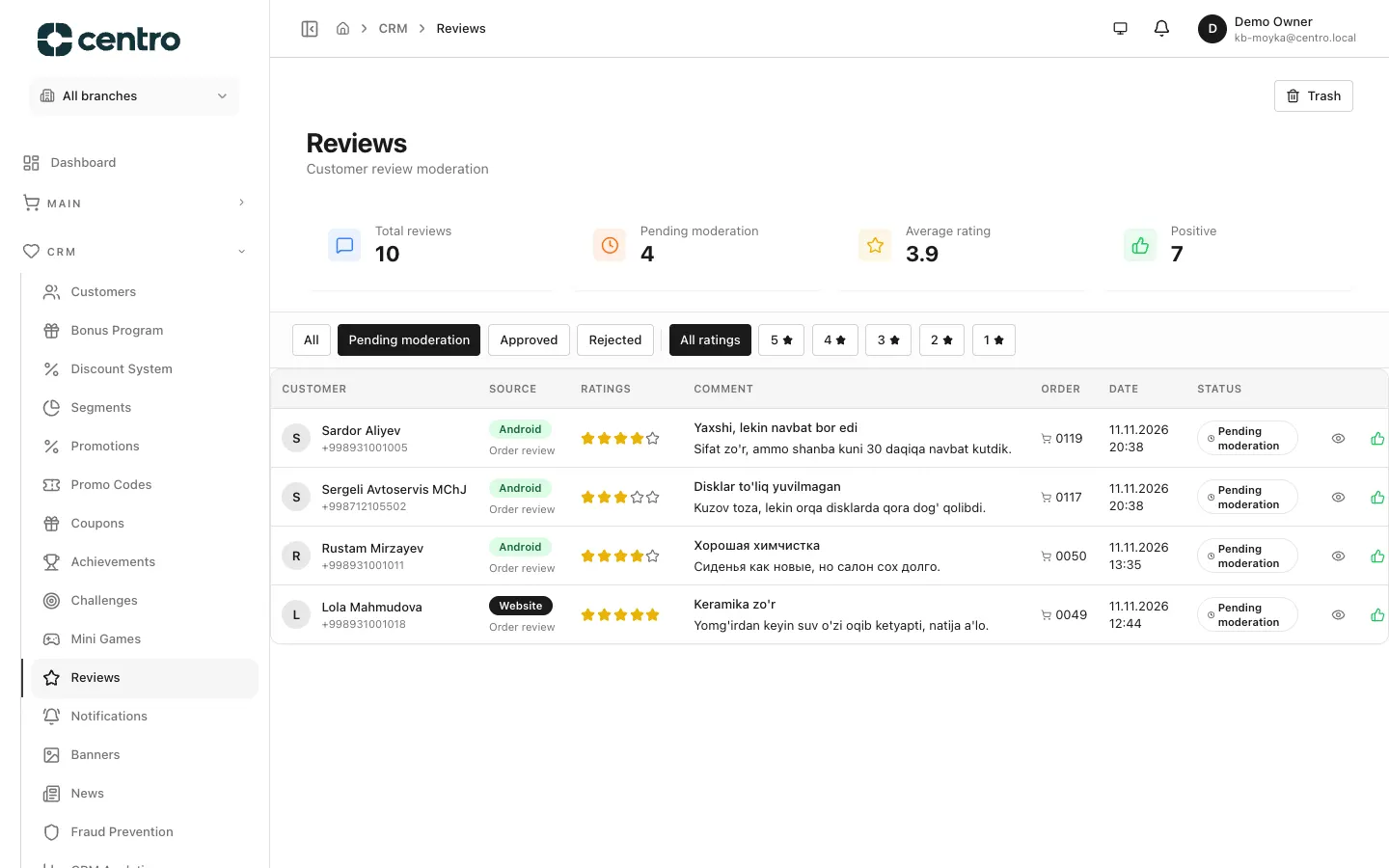
Open in the admin panel/crm/reviews The page header is «Reviews» with the subtitle «Customer review moderation». Reviews from the website, mobile app, POS and API land here.
How to open
- Sidebar: CRM → Reviews.
List and filters #
Stats, status and rating filters, table columns.
Cards and filters
- Cards
- «Total reviews», «Pending moderation», «Average rating», «Positive» (4–5 stars). Counted for the whole organization regardless of filters.
- Status
- «All», «Pending moderation» (default), «Approved», «Rejected».
- Rating
- «All ratings» or 5…1 stars.
Columns
- «Customer»
- Name and phone.
- «Source»
- «Website»/«Web», iOS, Android, «Mobile app», POS, API or «Other»; below it the type: «Venue review», «Order review», «Product review».
- «Ratings»
- An order review has two ratings: «Order / kitchen» and «Courier / delivery».
- «Comment», «Order», «Date», «Status»
- Text, order number, date (formatted for the interface language) and moderation status.
Moderation #
Show, hide or delete a review.
- 👍 «Show review»
- The review becomes «Approved».
- 👎 «Hide review»
- The review becomes «Rejected».
- 🗑 «Delete review»
- Removed permanently after confirmation.
- Make sure the «Pending moderation» filter is selected (it is the default).
- Read the review (click the row for details).
- Press 👍 or 👎 — the review moves to the matching status.
Tip: New reviews arrive as «Pending moderation». You can change the decision later: hide an approved review or vice versa.
Review details #
The «Review details» dialog opened by clicking a row.
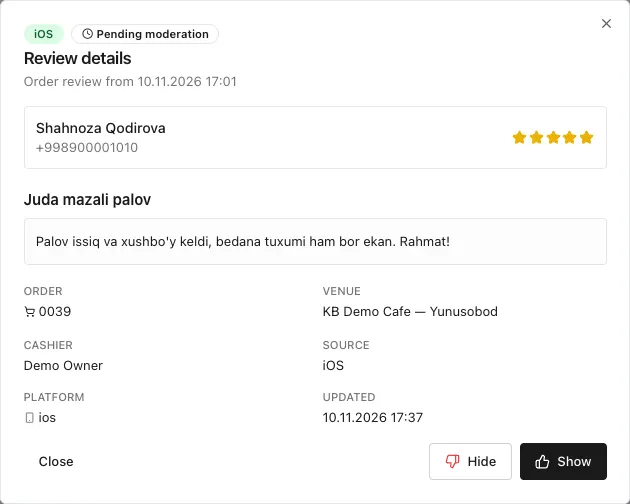
The dialog shows the full text, photos, ratings and, when available: «Order» (link to the order), «Venue», «Cashier», «Courier», «Product», «Platform», «App version» and «Response». The footer has «Hide» and «Show».