Mini Games
Mini games in the customer app: customers play while waiting for their order and earn bonus points.
Open in the admin panel/crm/games The mini game appears on the order-tracking screen of the mobile app. One game type is available today — Flappy Bird. Difficulty, bonus limits and rewards are configured per game.
How to open
- Sidebar: CRM → Mini Games.
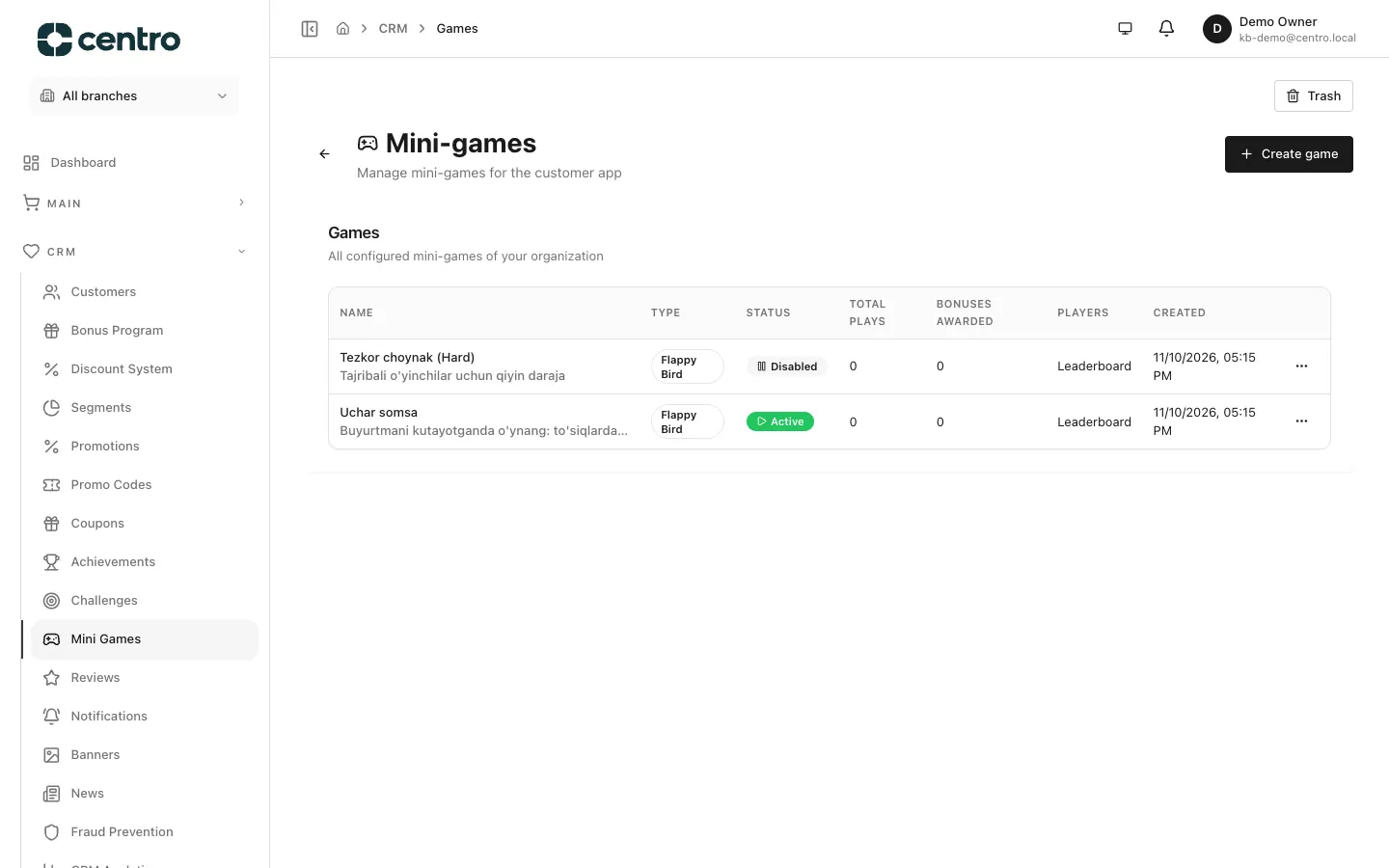
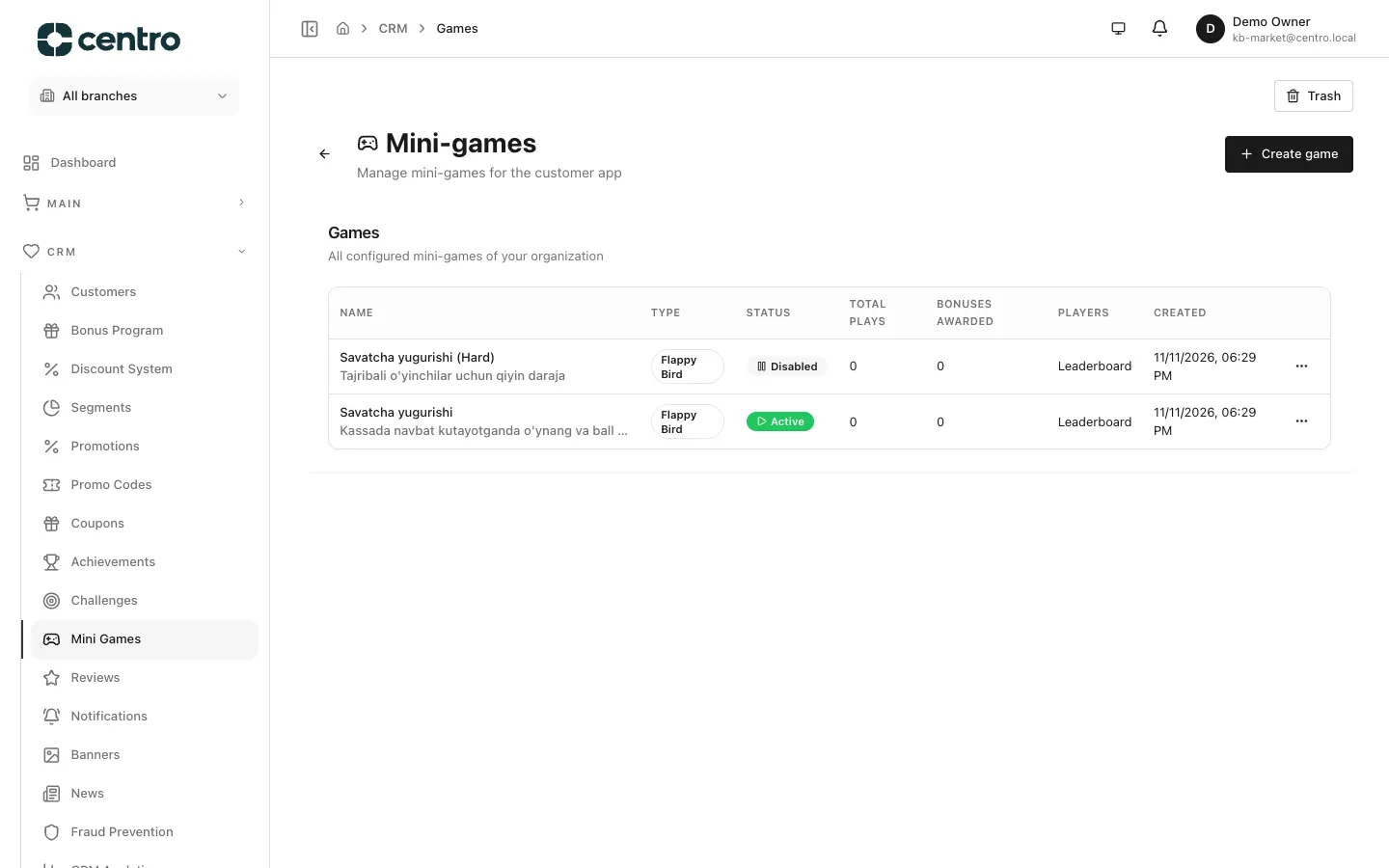
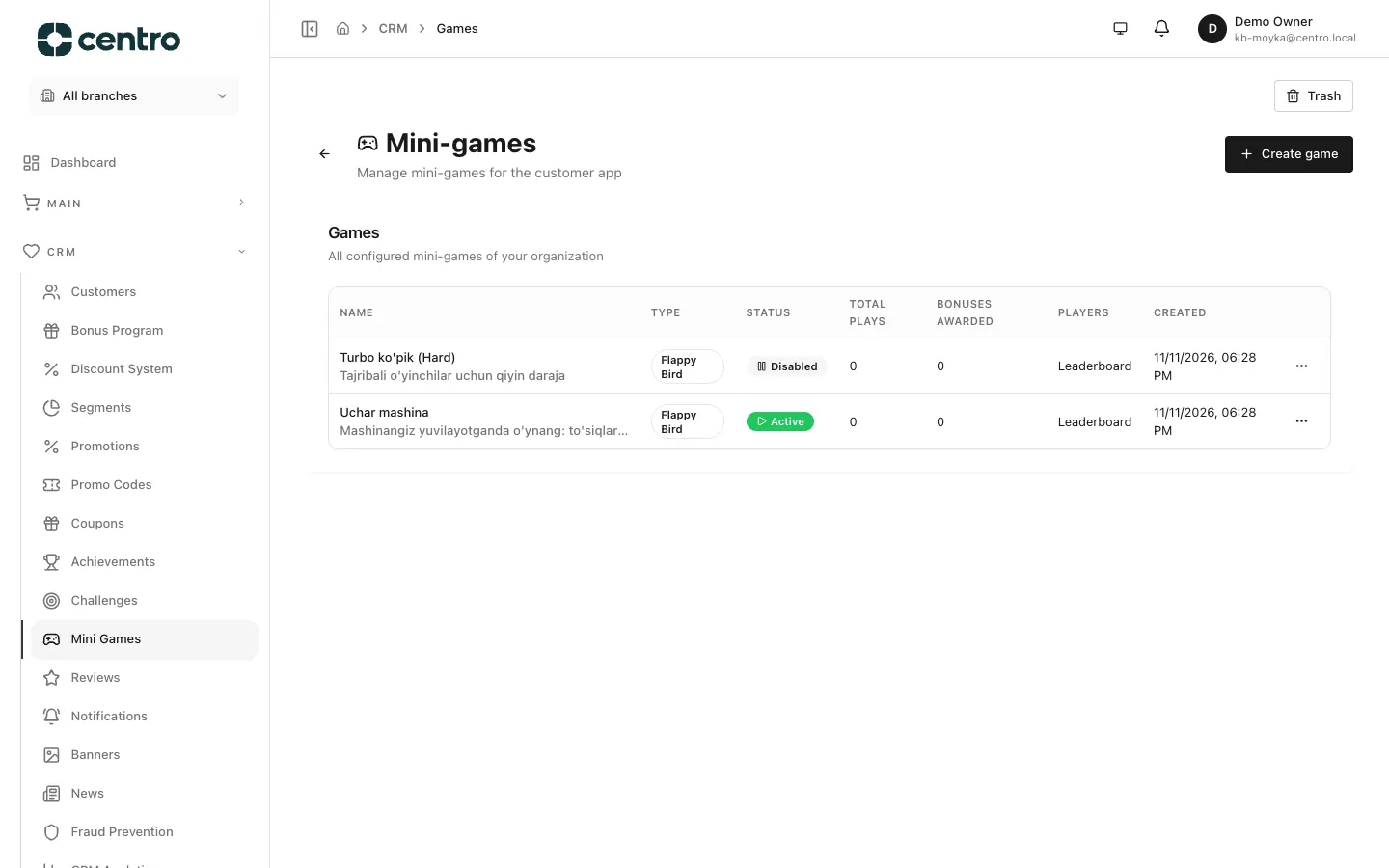
Game list and creation #
The «Games» table and the «Create mini-game» dialog.
Columns
- «Name»
- Game name and description.
- «Type»
- Flappy Bird.
- «Status»
- «Active» or «Disabled».
- «Total plays», «Bonuses awarded»
- Number of plays and bonuses awarded.
- «Players»
- The «Leaderboard» link opens the player leaderboard.
- «Created»
- Creation date.
Clicking a row opens the game settings. The «⋯» menu has «Settings», «Disable» / «Enable» and «Delete».
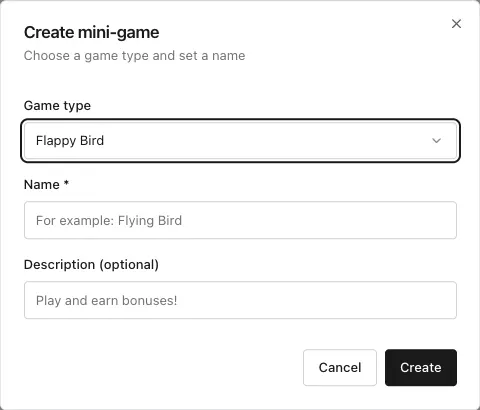
Create a game
- Click «Create game».
- Choose «Game type» (Flappy Bird) and enter «Name *» (up to 255 characters); «Description (optional)» is optional.
- Click «Create» — the new game's settings page opens.
Important: Deleting a game cannot be undone: all game data and statistics are removed.
Game settings #
The «Settings» tab: basics, difficulty, limits and rewards.
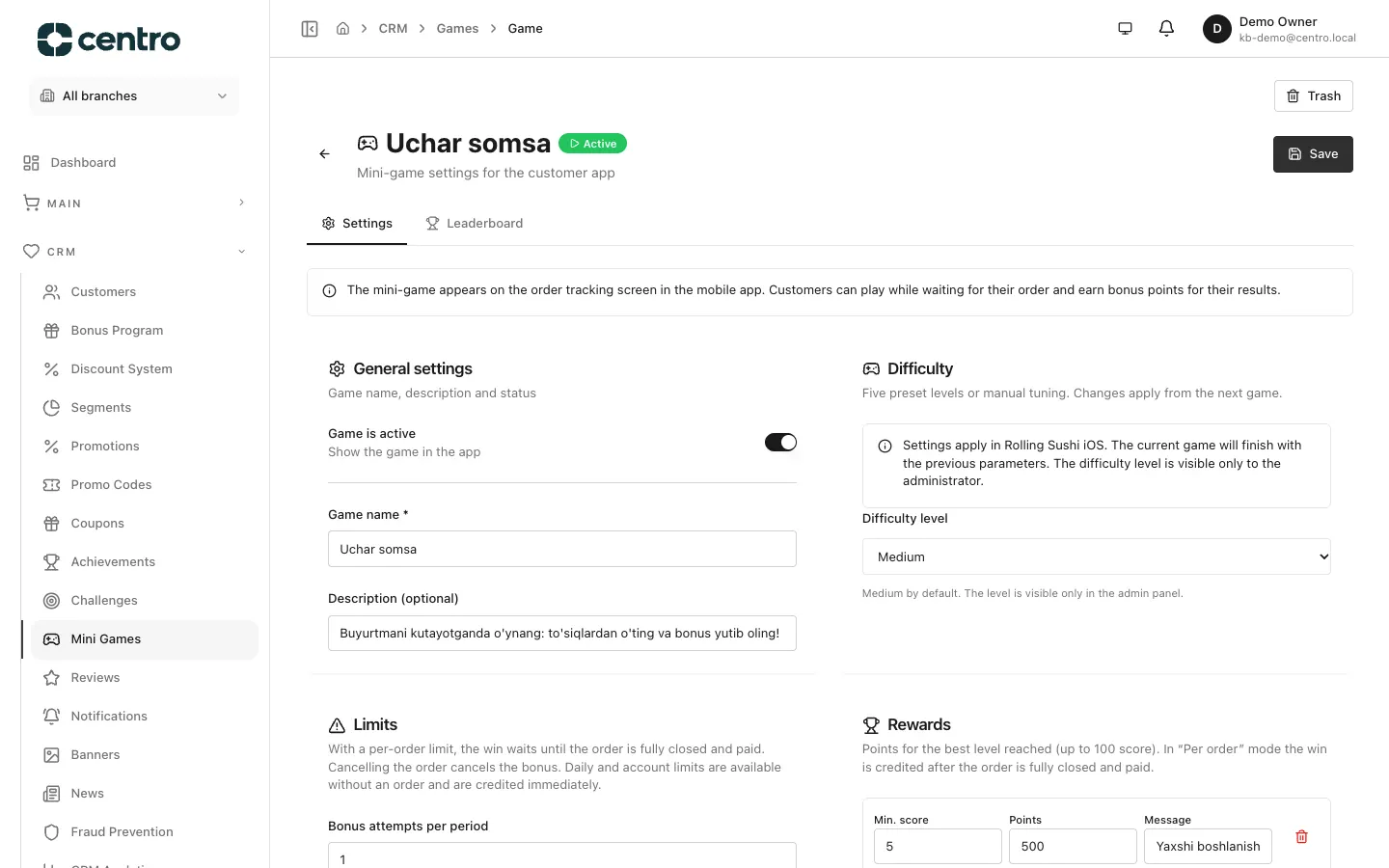
«General settings»
- «Game is active»
- Show the game in the app.
- «Game name *»
- Required, up to 255 characters.
- «Description (optional)»
- Optional.
Tip: All changes are saved with the «Save» button in the page header.
Difficulty #
Five presets or manual tuning.
- «Difficulty level»
- «Easy», «Medium» (default), «Hard», «Extra Hard», «Impossible» or «Manual tuning». The level is visible only to admins.
- Manual fields
- «Flight speed» (100–260), «Gap between pipes» (80–260), «Fall strength» (400–1000), «Pipe interval» (1.25–2.5 s), «Gap height variation» (0–200). Pipes must be at least 200 points apart.
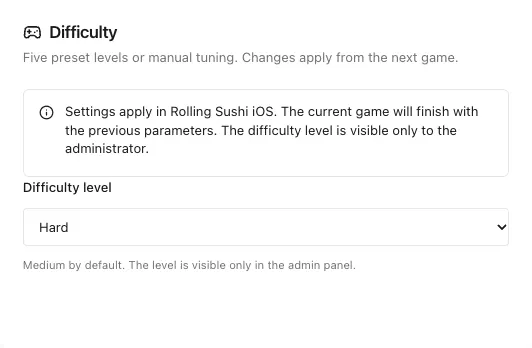
Tip: Changes apply from the next round; a round in progress finishes with the old parameters.
Limits #
Bonus attempts, period and cooldown.
- «Bonus attempts per period»
- 0 = bonuses off. A bonus attempt is used even with 0 points; after that players can keep playing for the leaderboard without limits.
- «Bonus limit period»
- «Per order», «Per day per customer», «Total per account». Days follow the organization's time zone.
- «Additional daily bonus limit»
- 0 = no extra cap.
- «Pause between bonuses (minutes)»
- 0 = no cooldown. Playing for the leaderboard is always allowed.
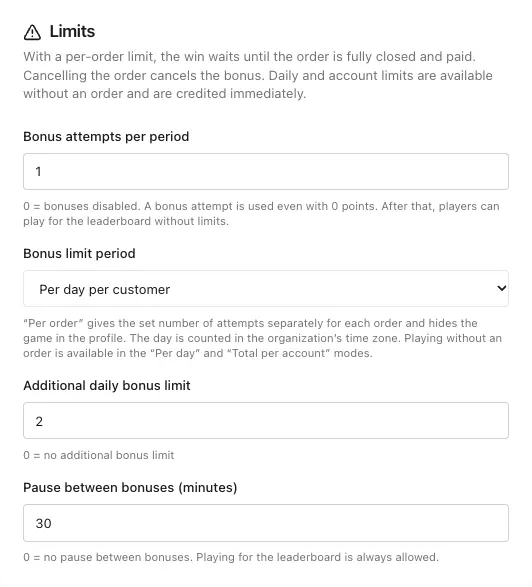
Important: In «Per order» mode the win is credited only after the order is fully closed and paid, and cancelling the order cancels the bonus; the game is hidden in the profile. In «Per day per customer» and «Total per account» modes the game is available without an order and bonuses are credited at once.
Tip: All limits are whole numbers from 0 to 1,000,000.
Rewards #
Points for the best level reached.
- «Min. score»
- Whole number 1–100, no duplicates.
- «Points»
- From 1 to 1,000,000.
- «Message»
- Text shown to the player, e.g. «Great!».
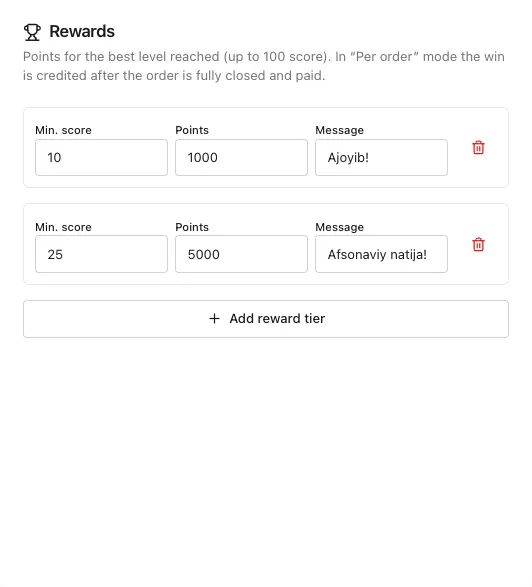
- Click «Add reward tier» — a new row is added with +10 score and +25 points over the previous one.
- Edit the values and click «Save».
Tip: A new row's message is pre-filled with «Great!» in the interface language and saved as entered — replace it with text in your customers' language if needed. Up to 100 reward levels are allowed.
Leaderboard and players #
The «Leaderboard» tab: stats, player table and leaderboard reset.
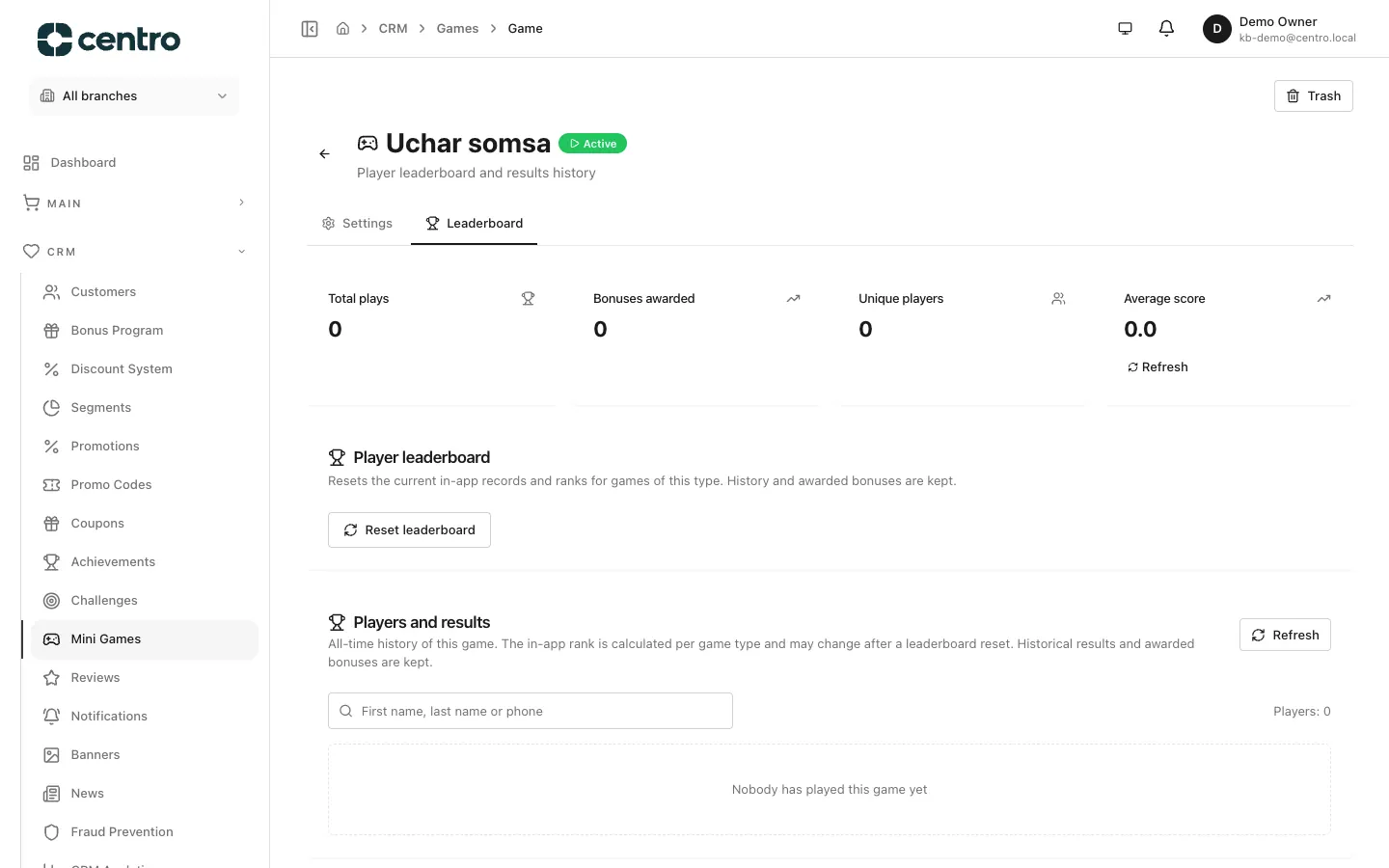
- Cards
- «Total plays», «Bonuses awarded», «Unique players», «Average score».
- «Players and results»
- Columns: «Rank», «Customer», «Score», «Plays», «Bonuses» (credited / pending), «Last played». Search by name or phone; 50 per page.
Important: «Reset leaderboard» removes the current records and places in the app for games of this type; play history, attempt limits and credited bonuses are kept. It cannot be undone.