Partners
Only: Restaurant, Car wash
Partner directory: logo, country, order and status.
Open in the admin panel/crm/partners How to open
- Sidebar: CRM → Partners.
Important: In the CRM menu this item is shown only for non-store (restaurant) organizations. In store organizations the same page lives in the Catalog group (/catalog/…).
Tip: It is the same page as /catalog/partners.
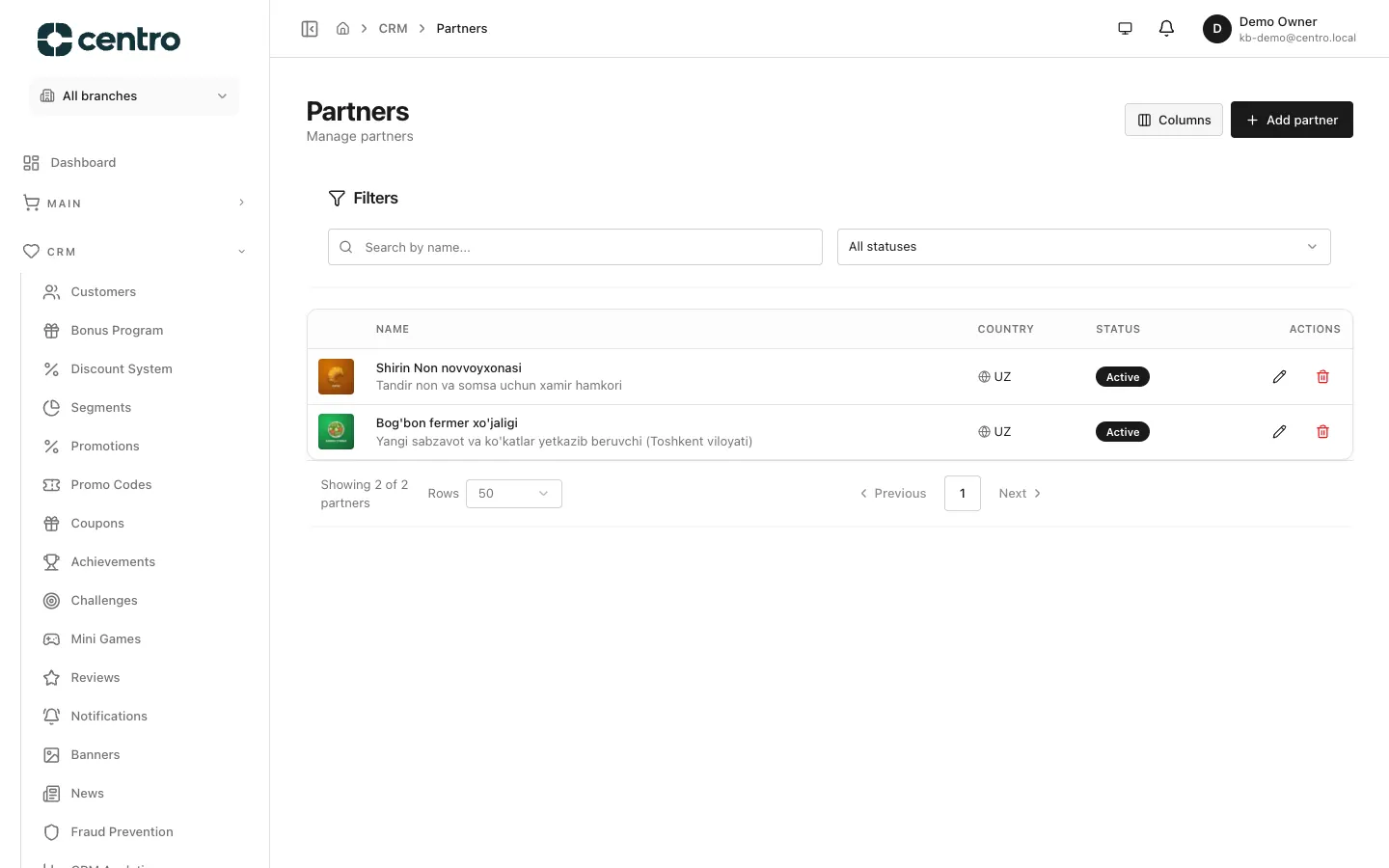
Partner list #
Filters, columns and actions.
- «Filters»
- «Search by name...» and status («All statuses», «Active», «Inactive»).
- «Columns»
- «Logo», «Country», «Website», «Status», «Slug», «Created date».
- «Actions»
- Edit and delete (with confirmation).
Adding a partner #
The «Add partner» dialog.
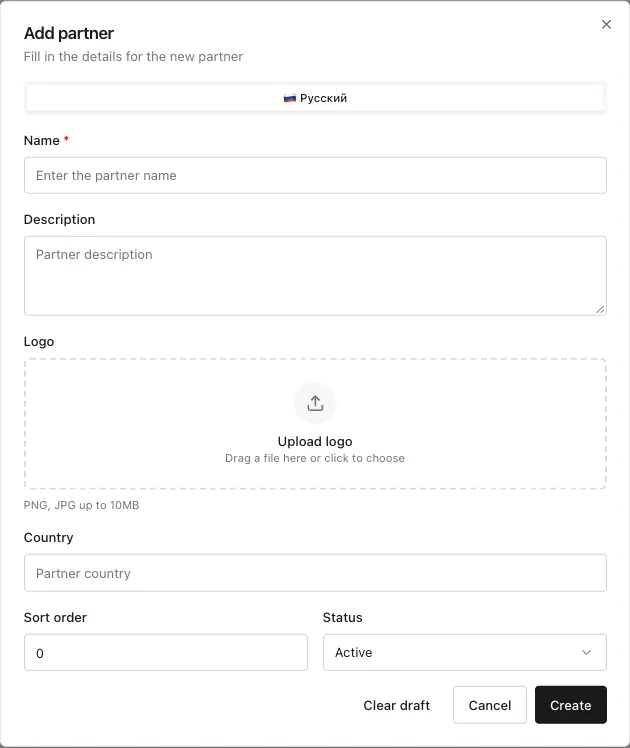
- «Name *», «Description»
- Tabs per language. The name must be unique, including deleted partners.
- «Logo»
- PNG, JPG up to 10MB.
- «Country», «Sort order», «Status»
- Partner country, order (≥ 0) and «Active» / «Inactive».
Tip: The dialog keeps a draft; «Clear draft» clears it.