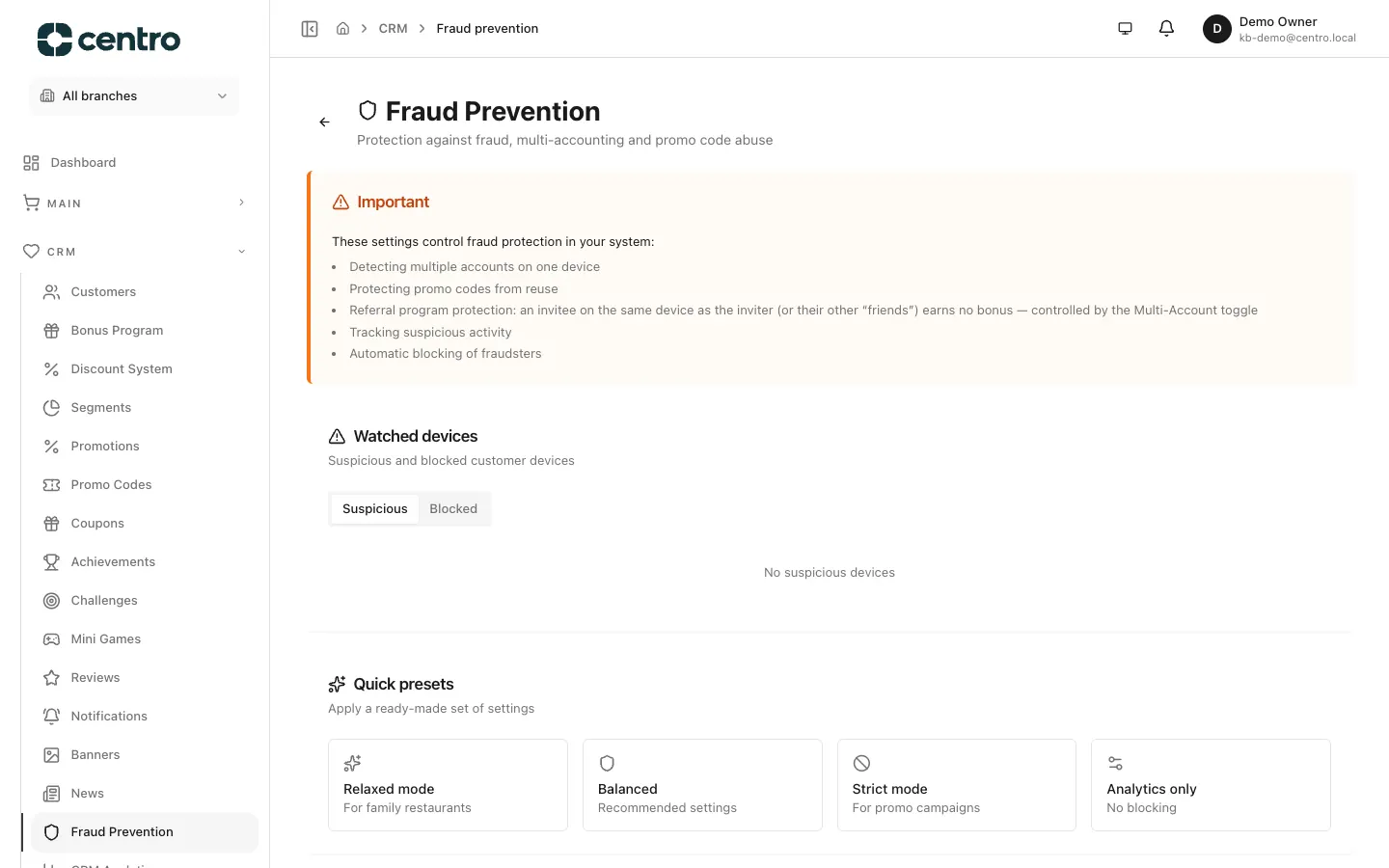
Fraud Prevention
Protection against fraud, multi-accounting and promo-code abuse; suspicious and blocked devices.
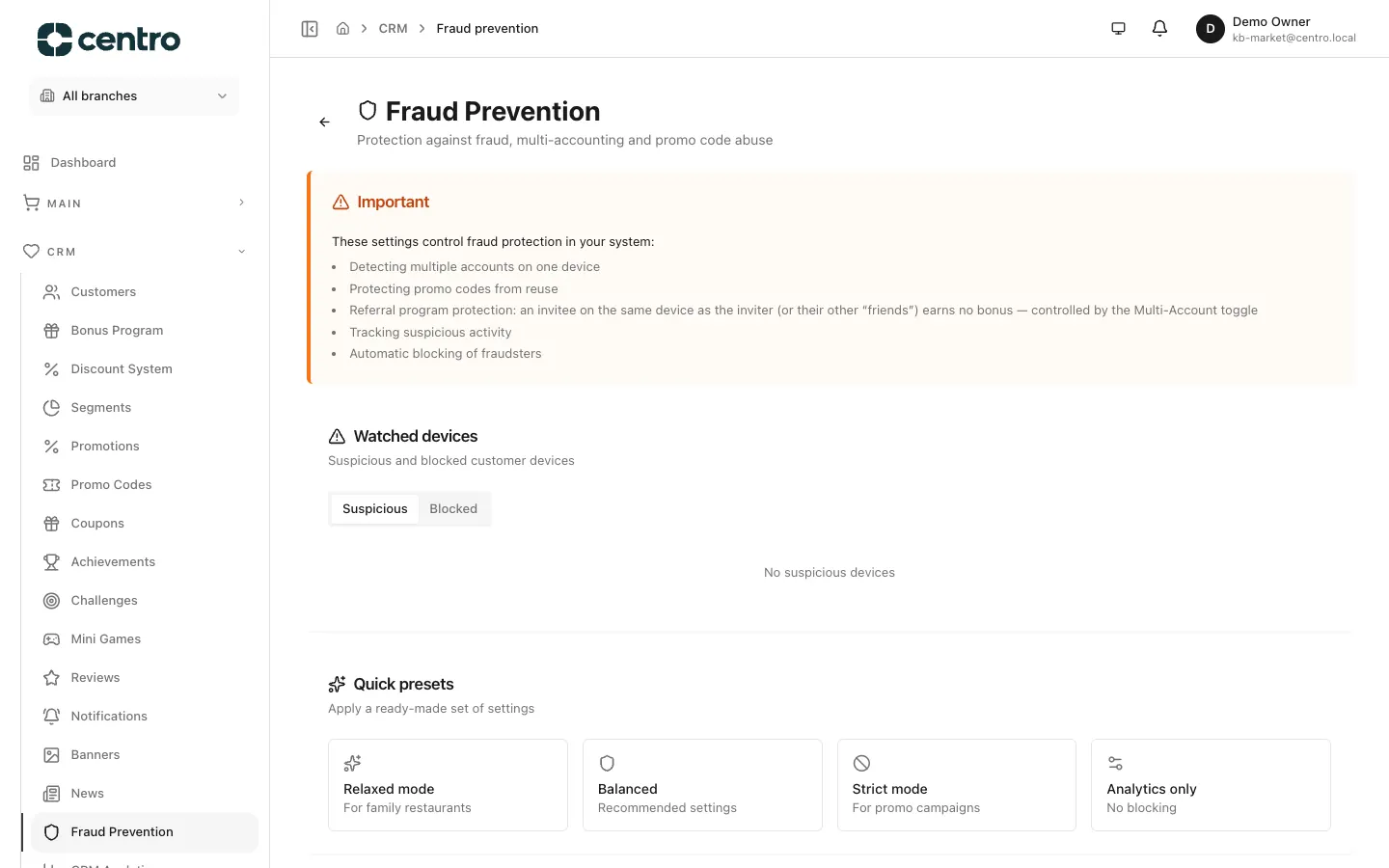
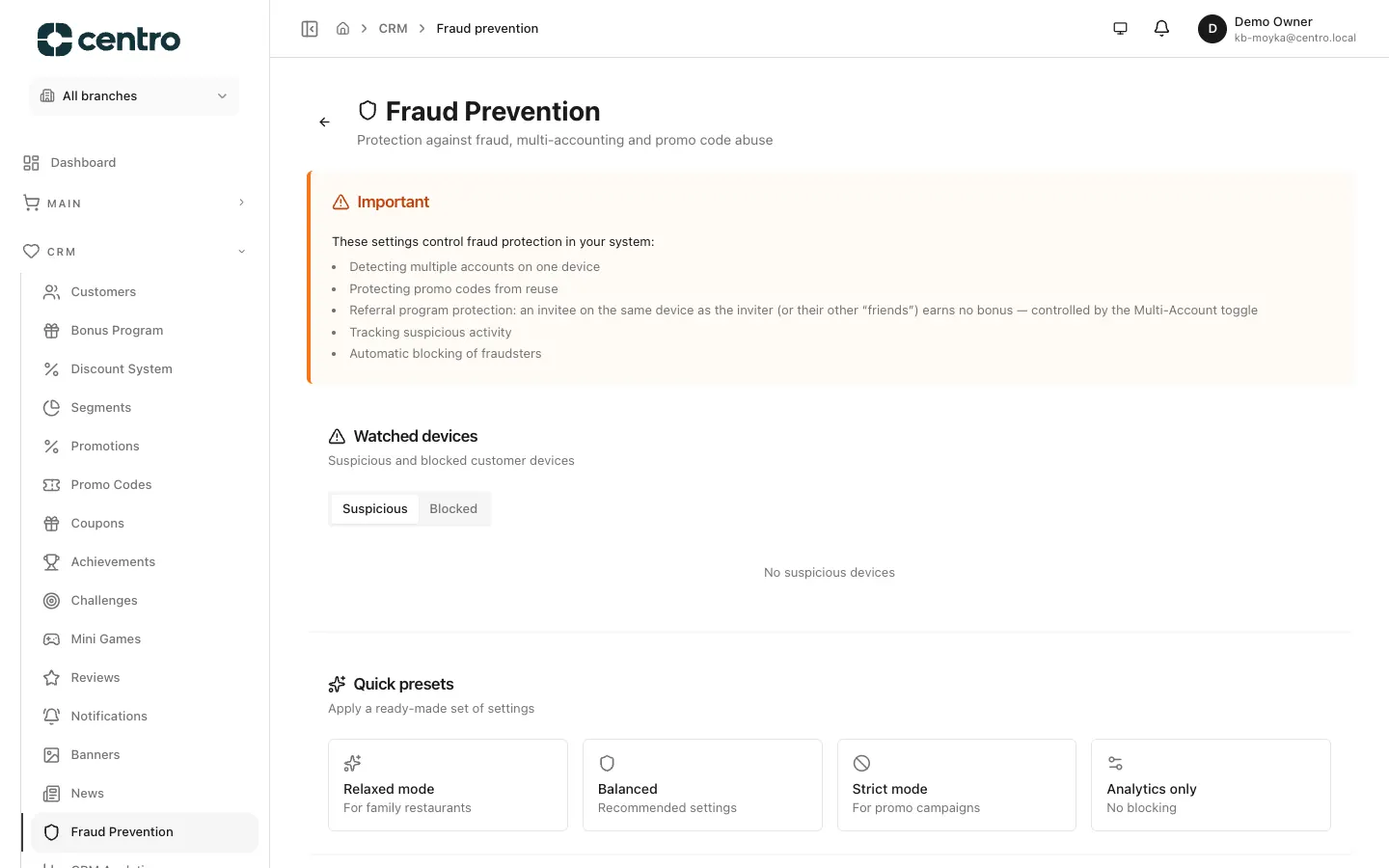
Open in the admin panel/crm/fraud-prevention The page header is «Fraud Prevention». The «Important» card lists what the settings control: detecting several accounts on one device, protecting promo codes from reuse, protecting the referral program (an invitee on the same device as the inviter earns no bonus — governed by the Multi-Account switch), tracking suspicious activity and auto-blocking fraudsters.
How to open
- Sidebar: CRM → Fraud Prevention.
Watched devices #
The «Suspicious» and «Blocked» tabs.
- Columns
- «Device», «Platform», «Customer» («Open customer» link), «IP», «Last activity», «Status» («Suspicious» / «Blocked»).
- «Block» / «Unblock»
- Blocks or unblocks the device.
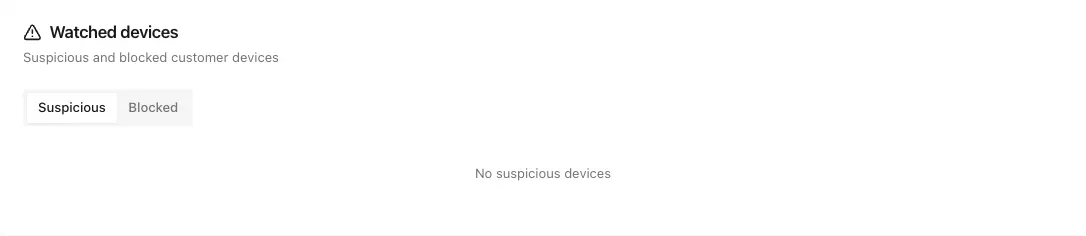
Important: Block and unblock take effect immediately, without a confirmation step.
Protection settings #
Ready-made presets and rules on four tabs.
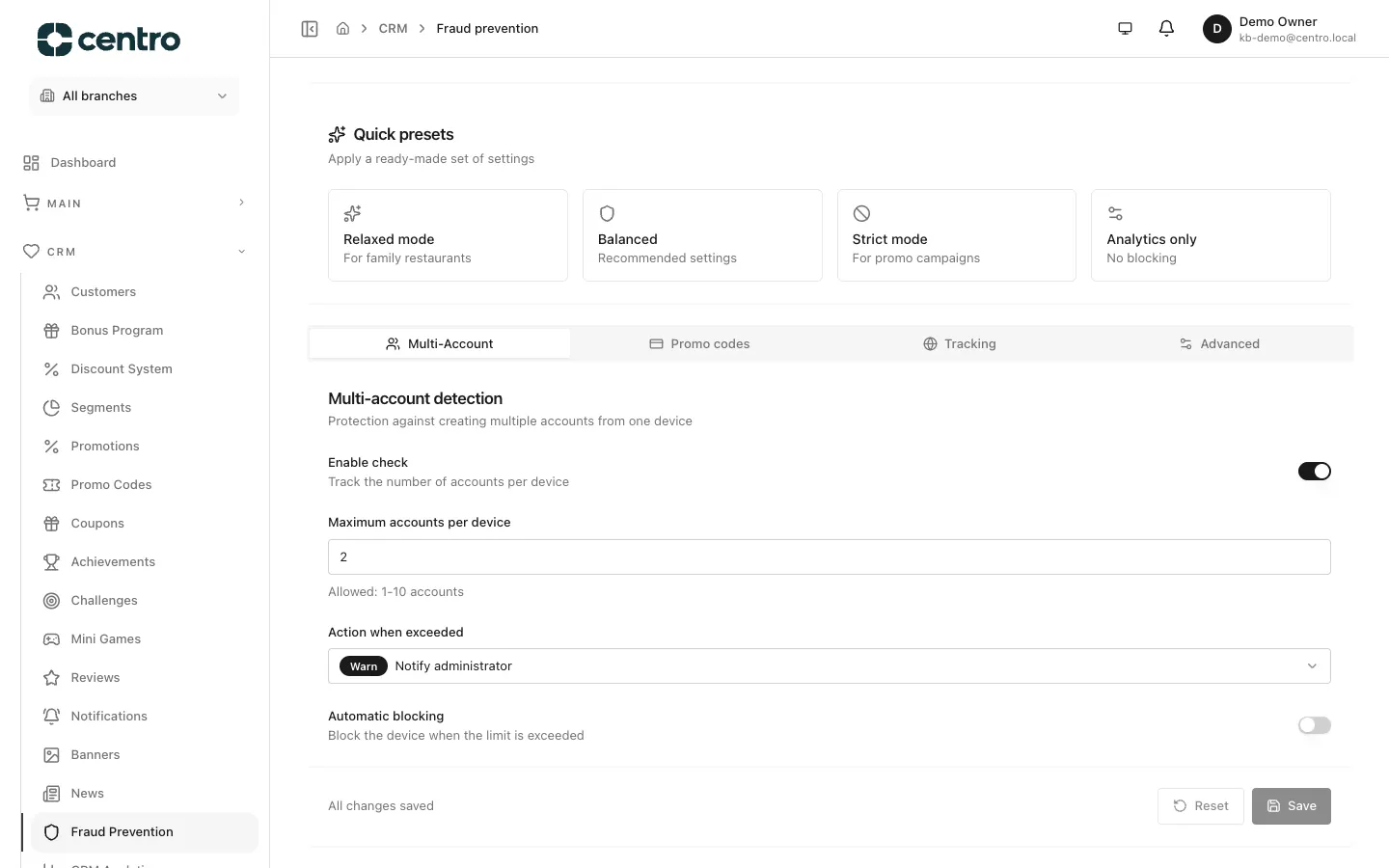
Tip: Changes are saved with «Save». «Reset» returns to the last saved settings (not factory defaults). While there are unsaved changes you see «You have unsaved changes».
Quick presets #
A ready set of settings in one click.
- «Relaxed mode»
- For family restaurants: up to 5 accounts per device, track only; promo code 3 uses per device, warn; family accounts allowed.
- «Balanced»
- Recommended defaults: 3 accounts per device — warn; promo code once per device and 3 per IP — block.
- «Strict mode»
- For promo campaigns: 1 account per device, block and auto-block; promo code once per device and IP; phone verification and a minimum first-order amount for new customers.
- «Analytics only»
- No blocking: all actions set to «Allow».
Important: A preset only fills the form — press «Save» for it to take effect.
Multi-Account #
Number of accounts on one device.
- «Enable check»
- Track the number of accounts per device.
- «Maximum accounts per device»
- 1–10.
- «Action when exceeded»
- «Allow» (track only), «Warn» (notify admin), «Block» (deny the action).
- «Automatic blocking»
- Block the device when the limit is exceeded.
Promo codes #
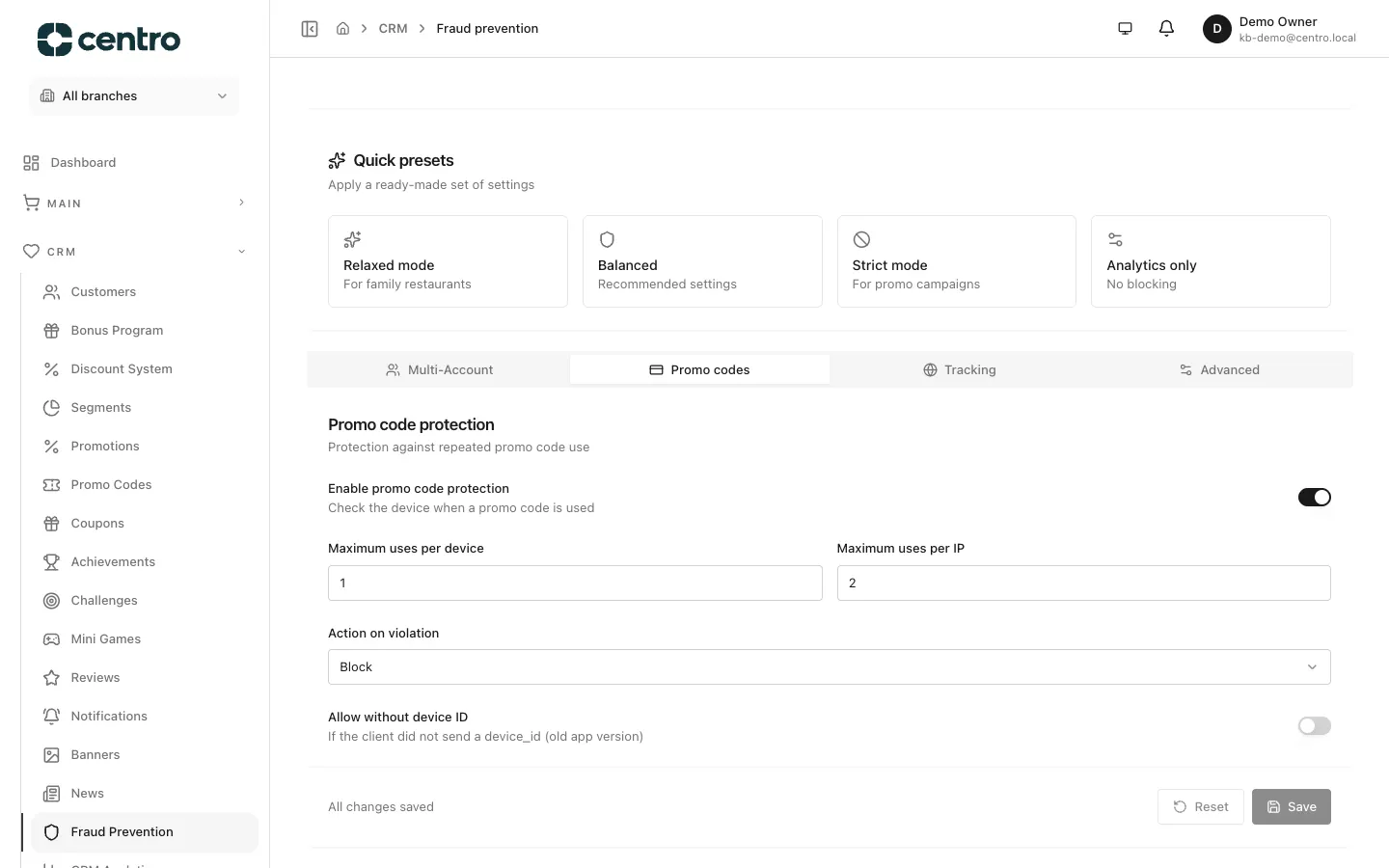
«Promo code protection» — against repeated use.
- «Maximum uses per device»
- 1–10.
- «Maximum uses per IP»
- 1–20.
- «Action on violation»
- «Allow», «Warn», «Block».
- «Allow without device ID»
- When the client sends no device_id (old app version).
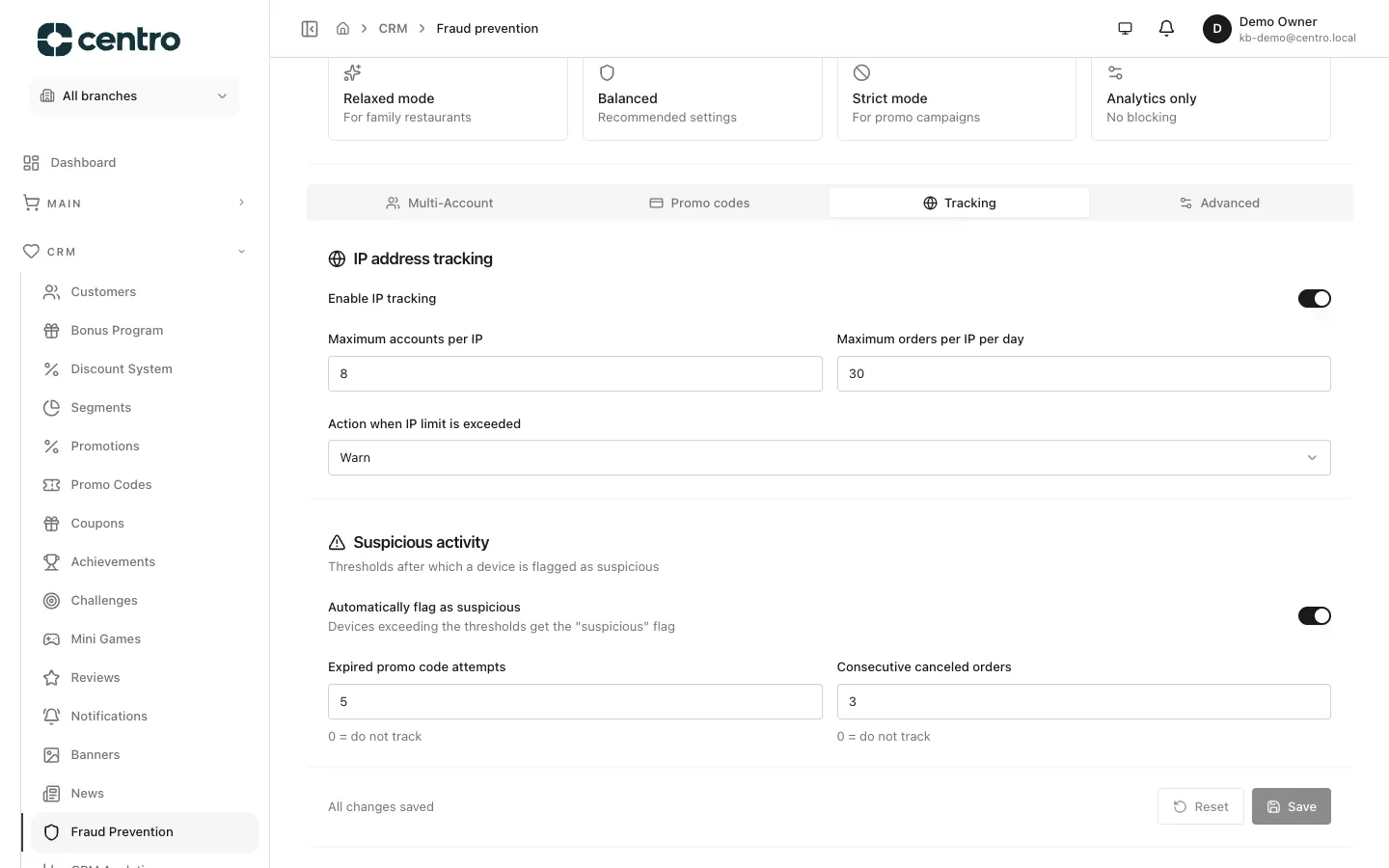
Tracking #
IP addresses and suspicious-activity thresholds.
- «IP address tracking»
- «Maximum accounts per IP», «Maximum orders per IP per day» and the action when exceeded.
- «Suspicious activity»
- «Automatically flag as suspicious», «Expired promo code attempts», «Consecutive canceled orders» (0 = not tracked). A device over the thresholds is flagged and appears on the «Suspicious» tab.
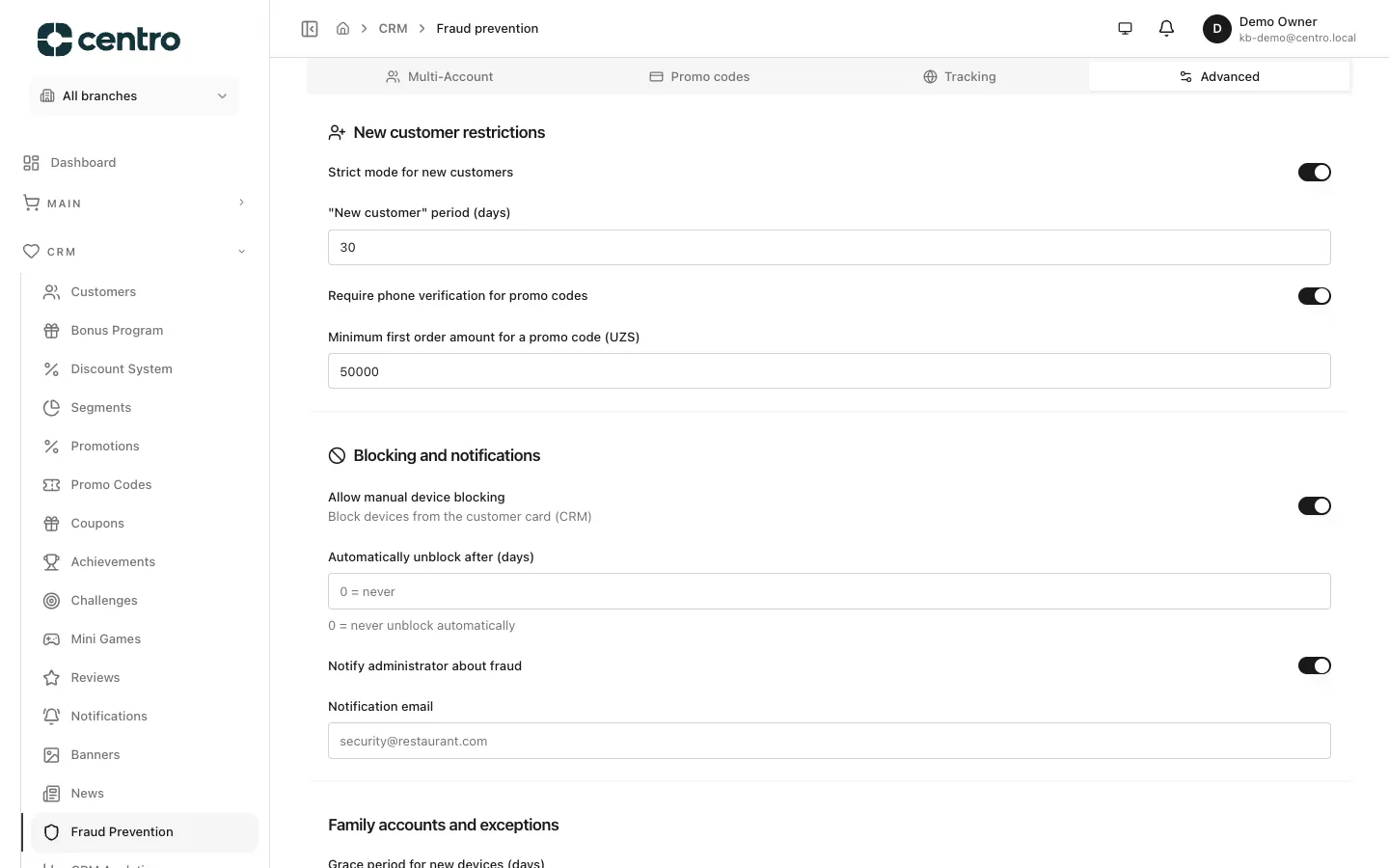
Advanced #
New customers, blocking and family accounts.
- «New customer restrictions»
- «Strict mode for new customers», «"New customer" period (days)», «Require phone verification for promo codes», «Minimum first order amount for a promo code (…)».
- «Blocking and notifications»
- «Allow manual device blocking» (from the customer card), «Automatically unblock after (days)» (0 = never), «Notify administrator about fraud» + «Notification email».
- «Family accounts and exceptions»
- «Grace period for new devices (days)» — new devices are only warned, not blocked, during it; «Allow family accounts» and «Maximum accounts per family» (2–10).