Dashboard
A sales summary for the selected period and venues: key metrics, charts, venue performance, hints and the latest orders.
Open in the admin panel/ The dashboard is the home page you land on after signing in. It brings together revenue, order count, average check, order statuses, sales channels and the results of each venue for the selected period.
How to open: the first item of the sidebar — Dashboard.
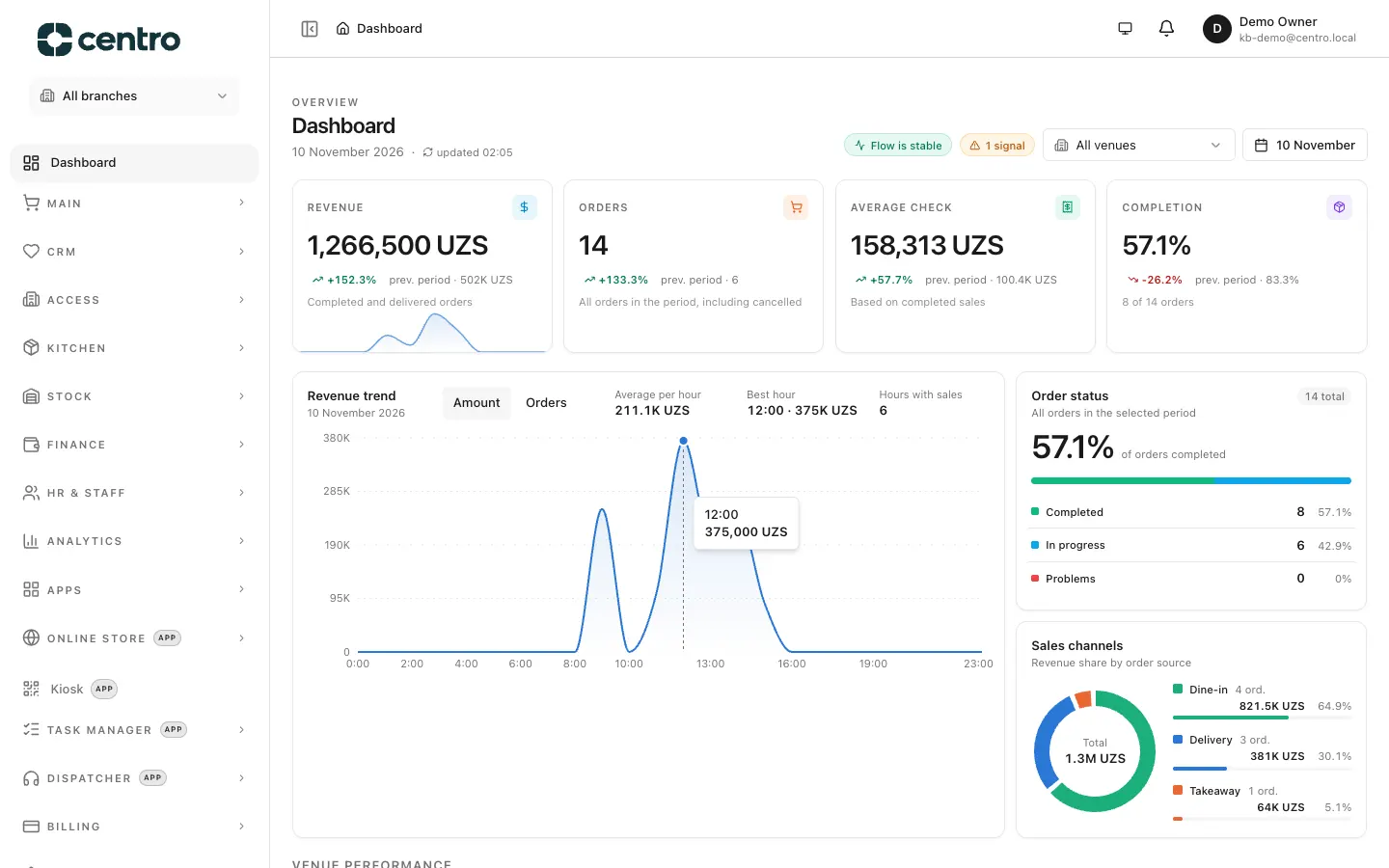
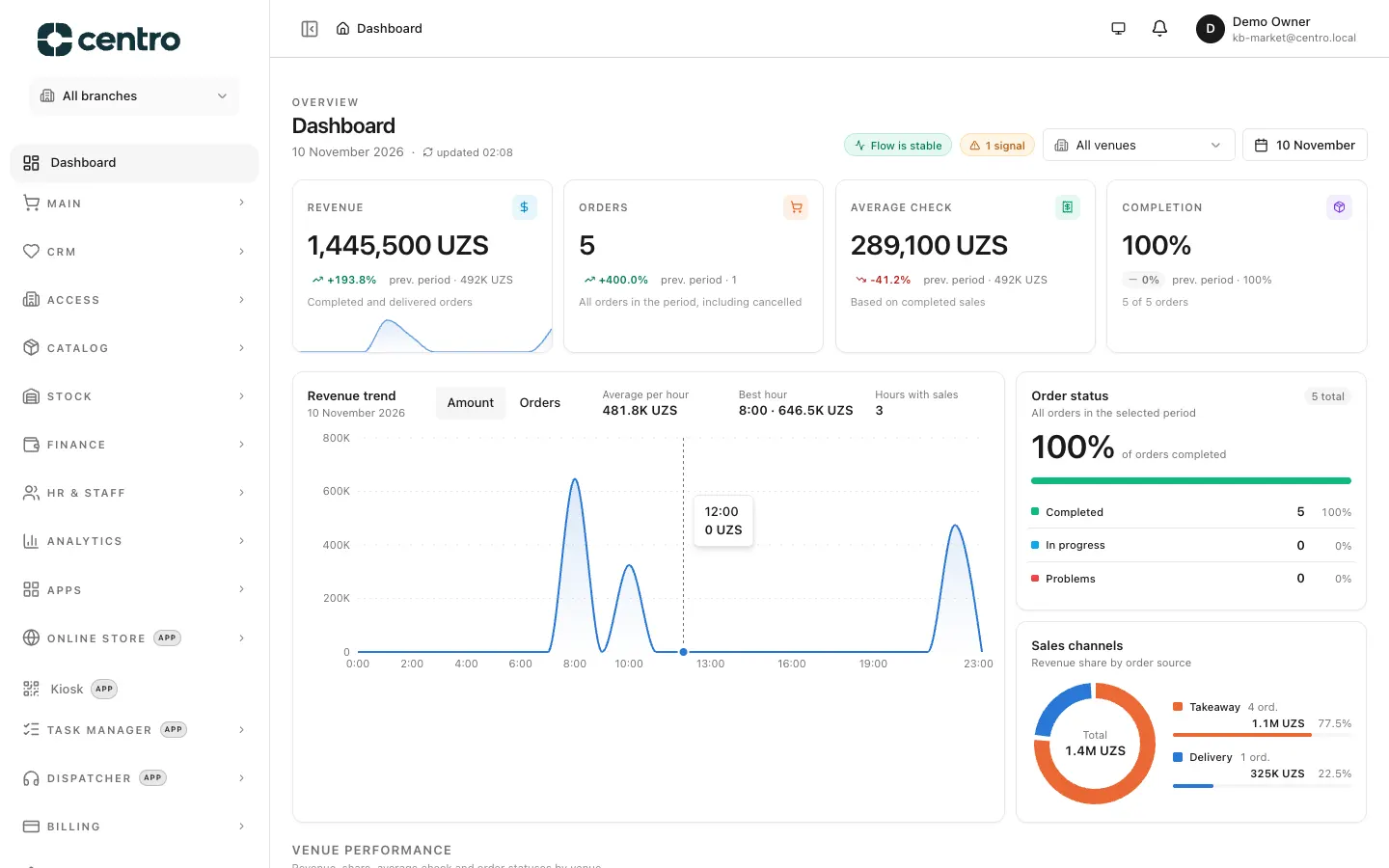
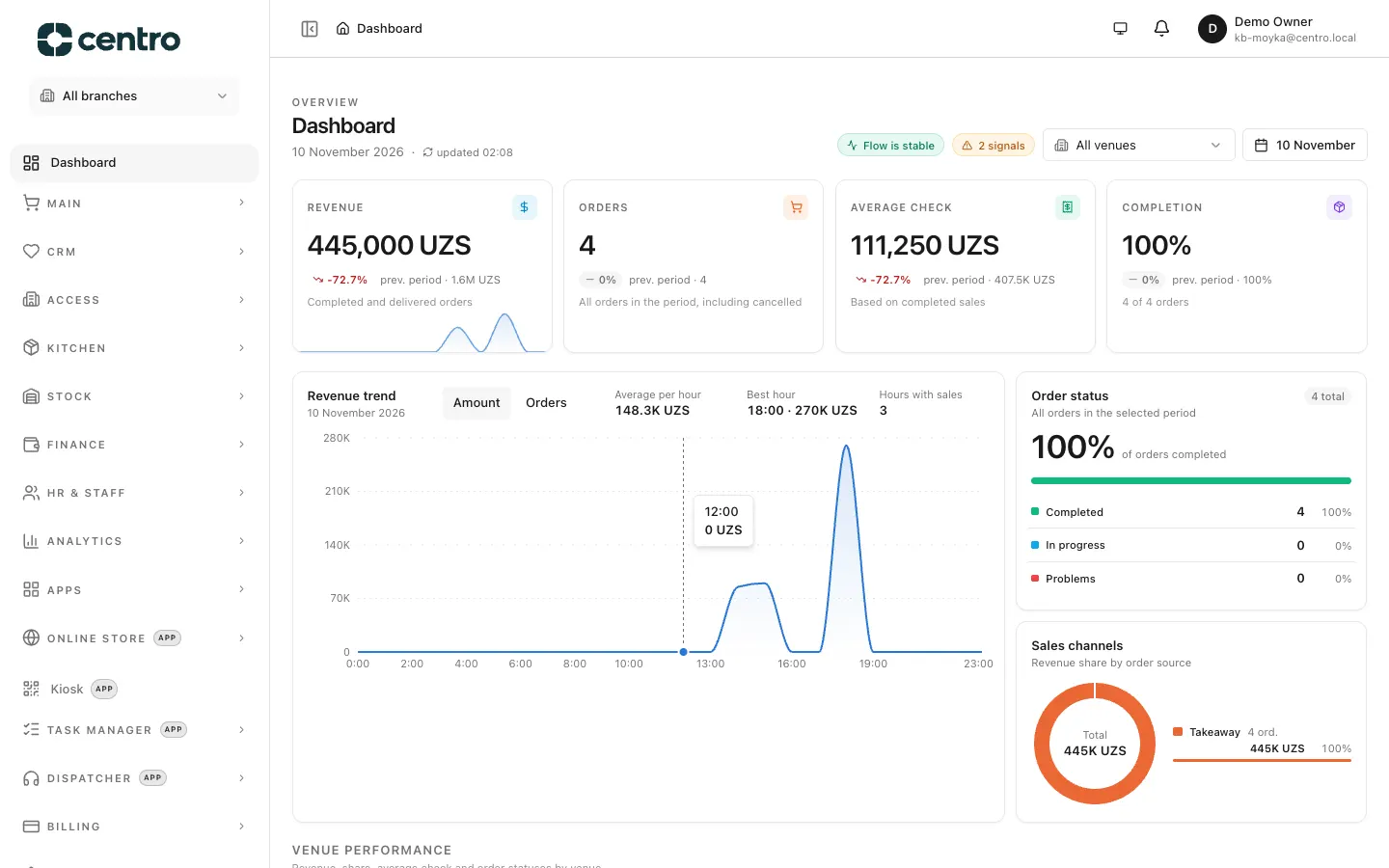
Page header
- «Overview» / «Dashboard»
- Below the title: the selected period and «updated HH:MM» — when the data was last refreshed; the refresh icon spins while loading.
- Flow pill
- «Load above normal» — more orders in progress than completed; «Flow is stable» — there are orders in the period; «No active flow» — no orders.
- Risk pill
- The number of warning and critical hints in the «Insights» block («N signals») or «No risks».
- «All venues»
- Venue selector — applies to every metric and order on the page.
- Period button
- The button with a calendar icon — picks the reporting period. See below.
Tip: If your account can read system settings, a «Get started with Centro» block appears under the header — the required setup steps and completion progress. See «Get started with Centro» for details.
Sections
-
How to turn the section on
How the sidebar is built: plan, apps, position permissions and business type; what happens when payment ends.
-
First-run setup (onboarding)
A five-question questionnaire right after registration: the answers are saved, the head branch is created and the organization waits for activation.
-
Period and venue filter
All numbers on the page depend on the selected period and venue.
-
Key metrics
Four cards: revenue, orders, average check and completion rate.
-
Charts: revenue, statuses, channels
Revenue or order trend, order statuses and sales channel shares.
-
Venue performance
Cards of the top six venues by revenue.
-
Hints and quick links
Automatic hints based on the period data and links to key sections.
-
Recent orders
A table of the five most recent orders.
-
From a number to the orders
Dashboard numbers open «Orders» with the same period, venue and conditions — you see which orders make up the number.
-
«Get started with Centro»
The required setup checklist above the metrics: progress, the next step and links to the right sections.
-
Notifications
The bell in the top bar and the notification history: plan, reviews, requests, alerts.