Venue performance
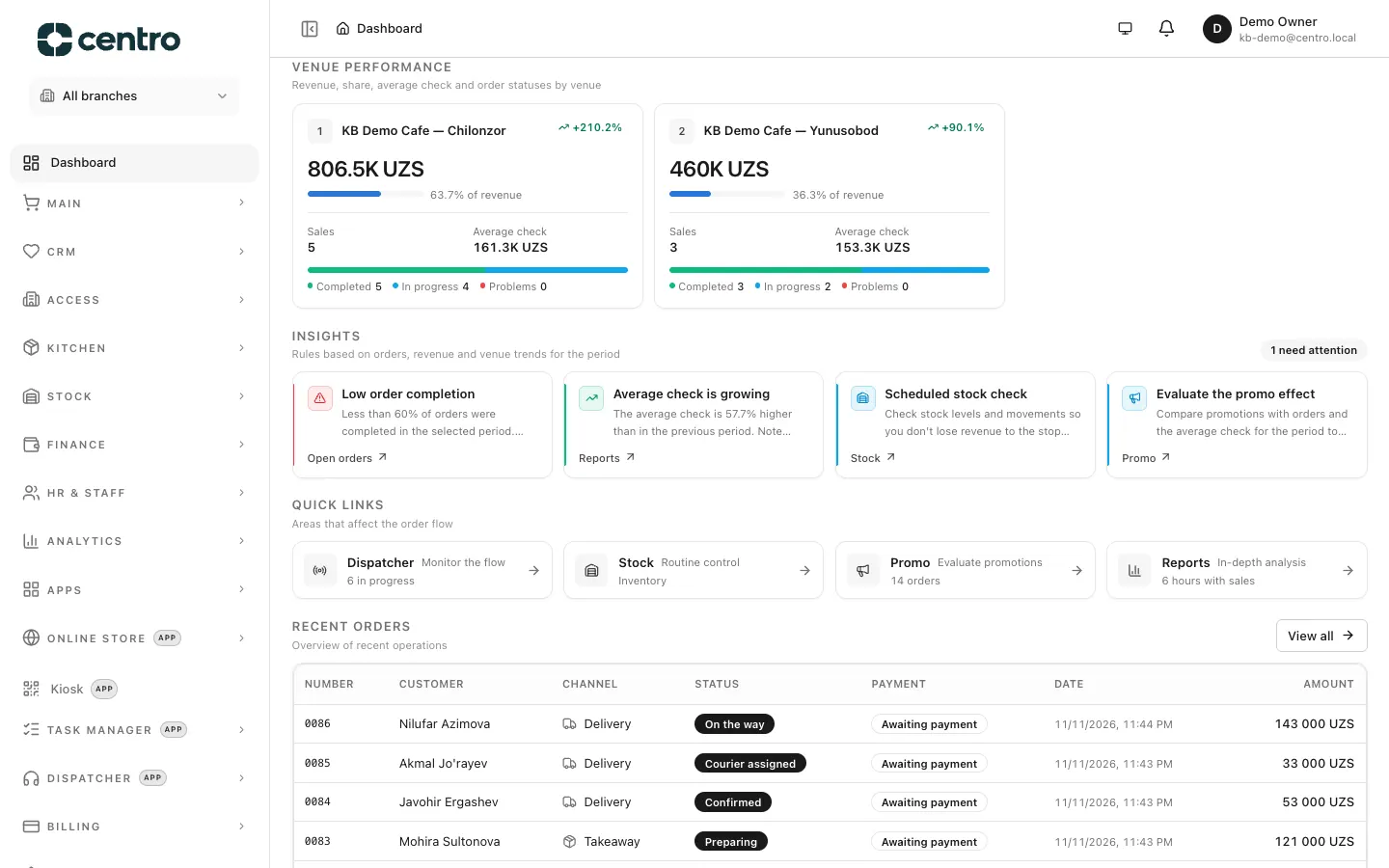
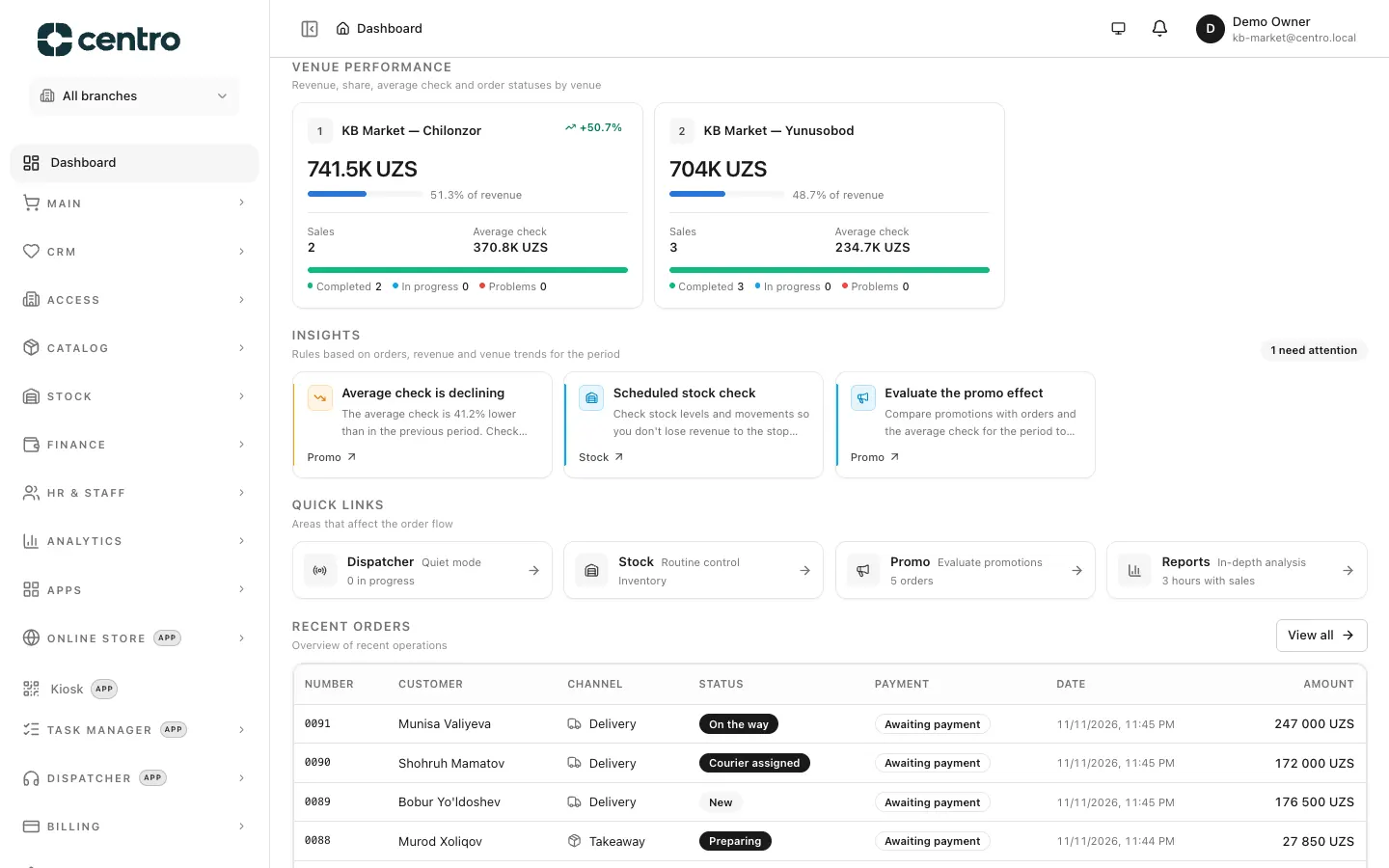
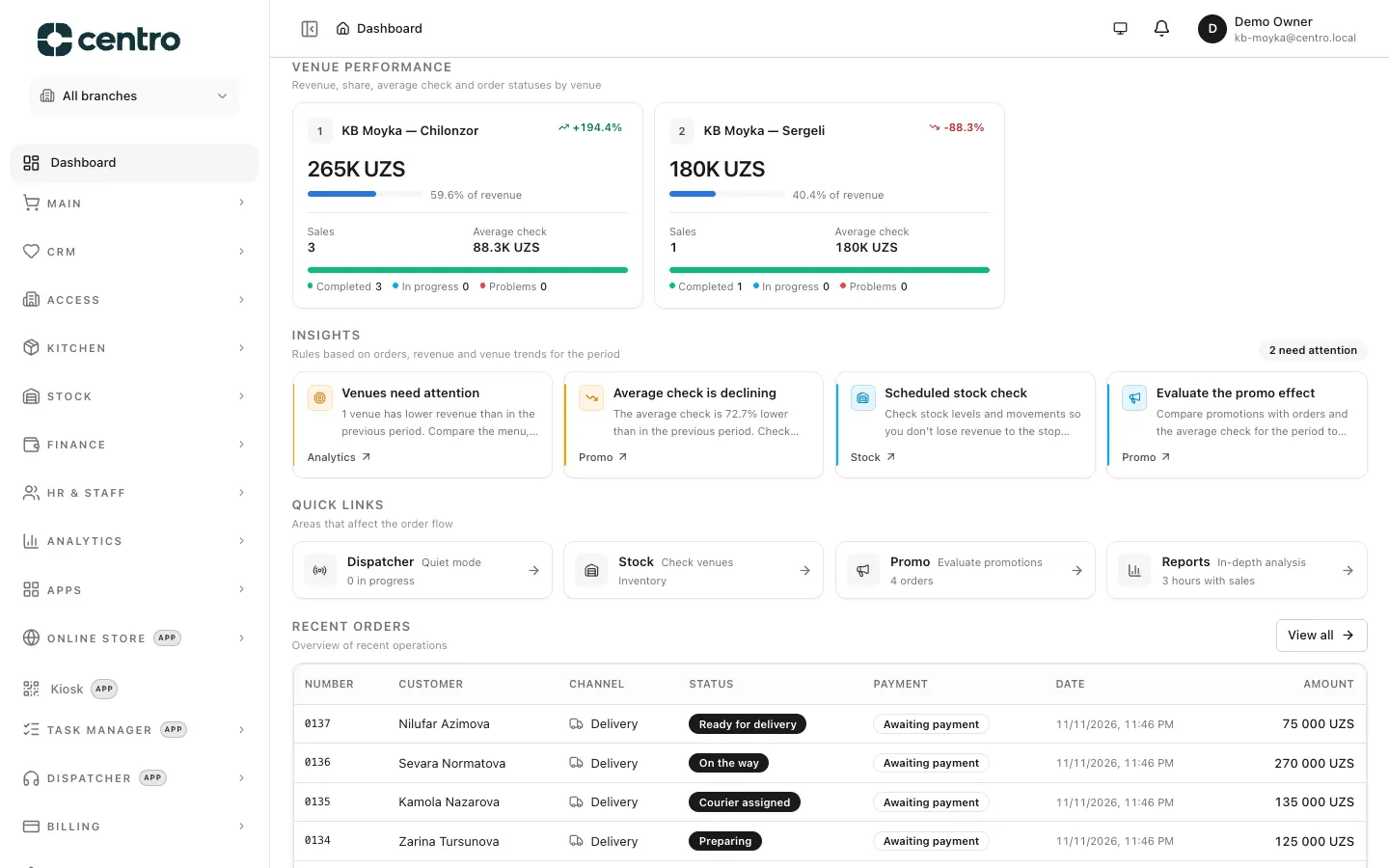
Cards of the top six venues by revenue.
The «Venue performance» block lists venues by descending revenue; at most six are shown, and if there are more the heading reads «top 6 of N».
- Revenue and share
- Venue revenue, its share of the revenue of all venues and the change versus the previous period.
- «Sales»
- Number of completed and delivered orders.
- «Average check»
- The venue’s average check.
- Status bar
- Green — completed, blue — in progress, red — problem orders.
Click a venue card to open «Orders» with all of that venue’s orders for the period. The «Sales» number opens only completed and delivered orders that are not on the house, and the «Completed» / «In progress» / «Problems» labels under the status bar open the orders of that group.