Hints and quick links
Automatic hints based on the period data and links to key sections.
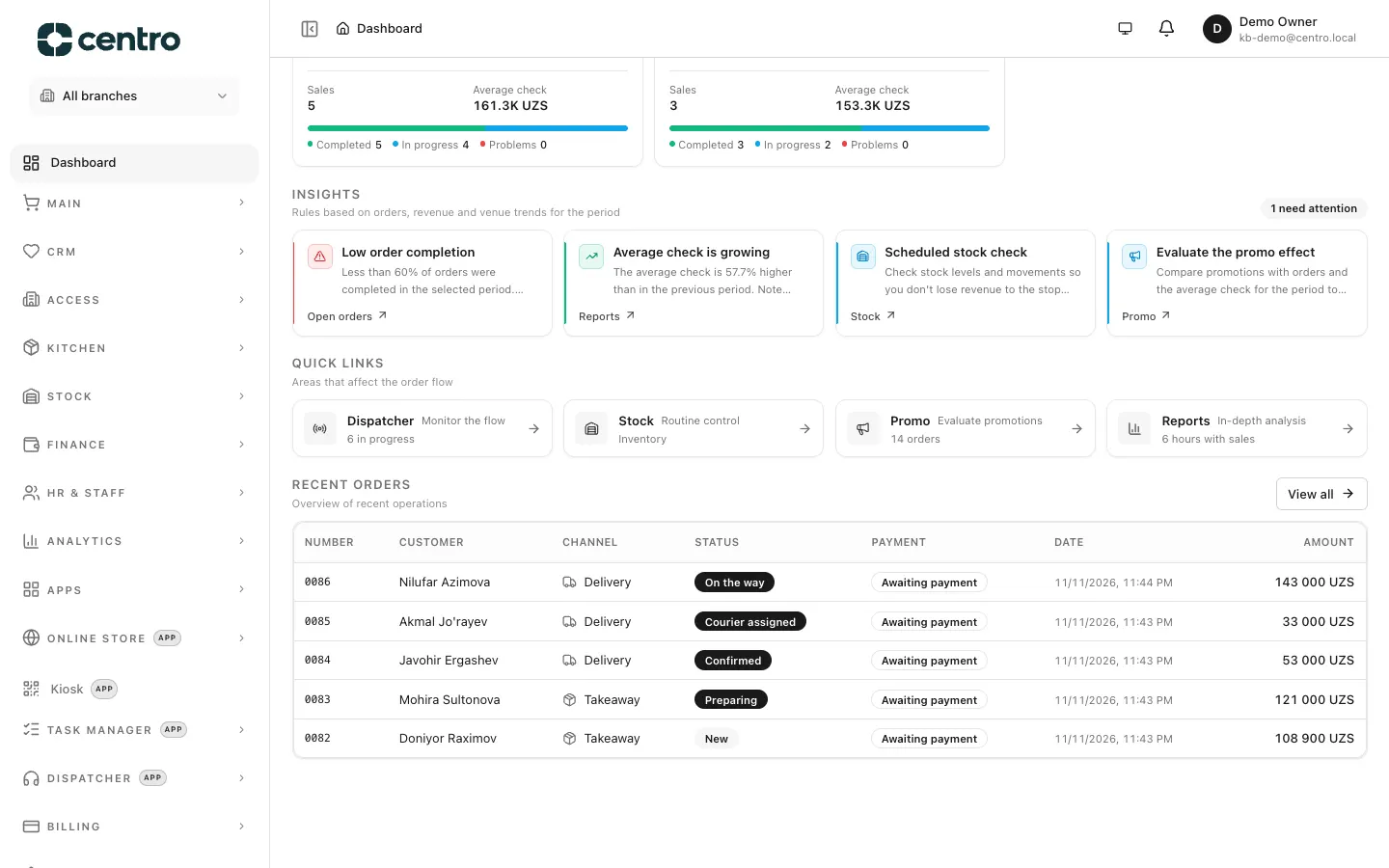
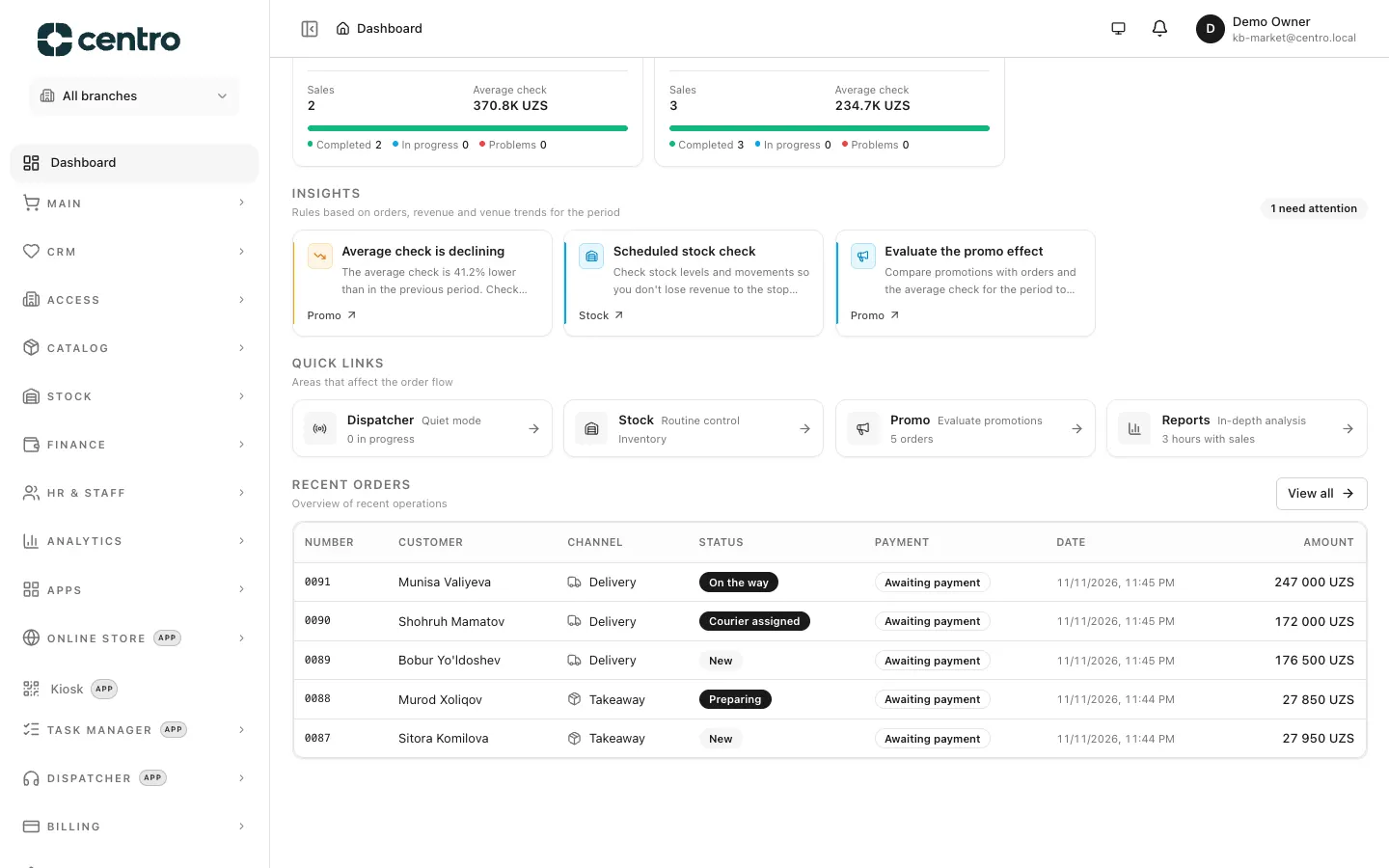
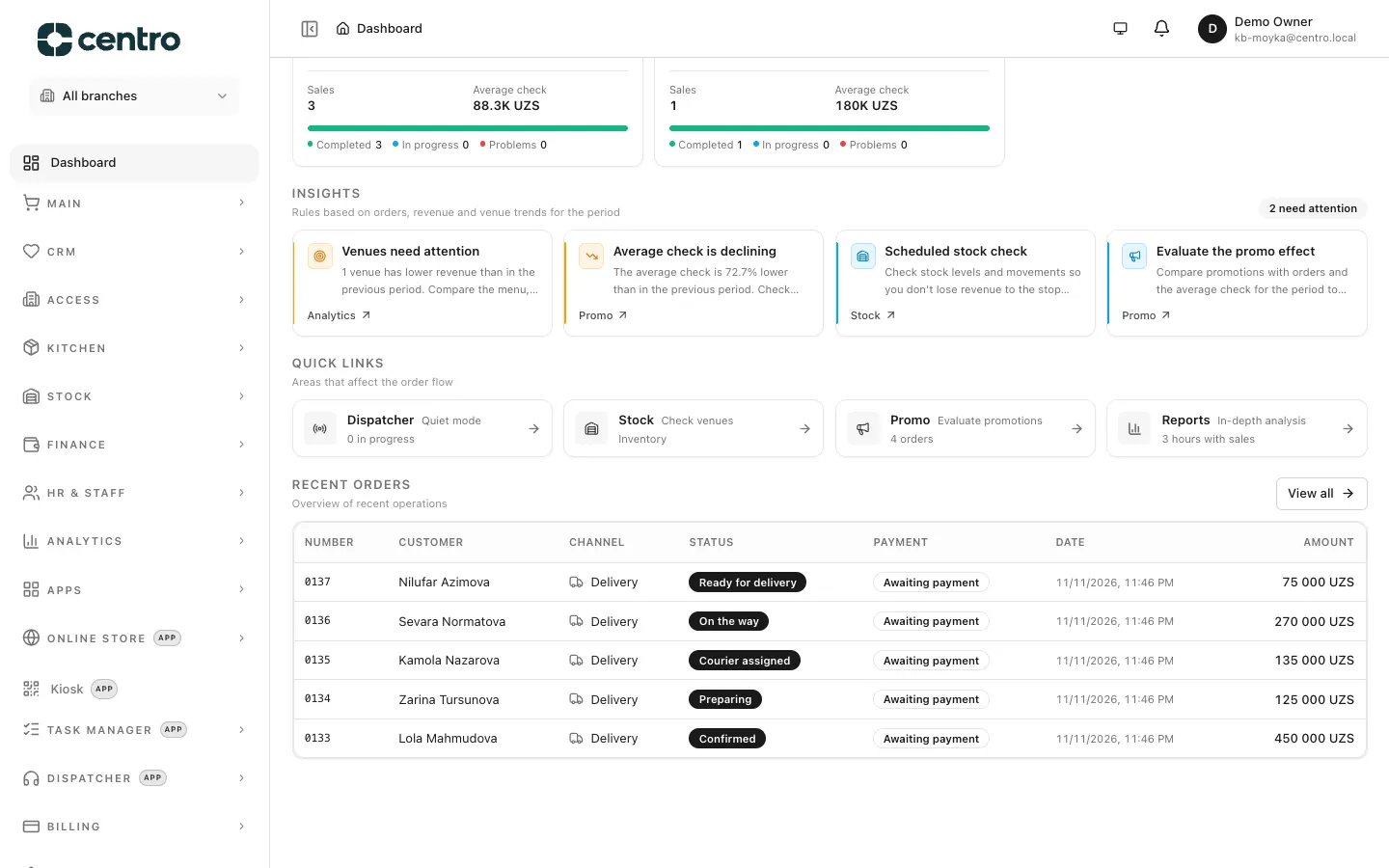
The «Insights» block shows up to four rule-based cards, each with a button to the relevant section. The heading reads «N need attention» or «Stable».
Rules
- «Low order completion» — less than 60% of orders completed in the period.
- «High current load» — more orders in progress than completed.
- «There are problem orders» — there are cancelled or returned orders; at 15% or more the card turns red.
- «Venues need attention» — some venues’ revenue dropped versus the previous period.
- «Average check is growing» / «Average check is declining» — the average check rose or fell versus the previous period.
- «No sales in the period» — there are no sales in the period.
- If there is room left, routine reminders are added: «Scheduled stock check» and «Evaluate the promo effect».
«Quick links»
- «Dispatcher»
- Dispatcher panel; shows the number of orders in progress.
- «Stock»
- Stock balances and movements.
- «Promo»
- The promotions page.
- «Reports»
- Sales reports.
Tip: The button on the «Low order completion» and «There are problem orders» cards opens «Orders» filtered to cancelled, returned and rejected orders; on «No sales in the period» it opens the orders of that period. The other cards lead to their own section: high load — the dispatcher, venues — the executive analytics, average check — reports or promotions, stock — stocktaking, promo — promotions.