Notifications
The bell in the top bar and the notification history: plan, reviews, requests, alerts.
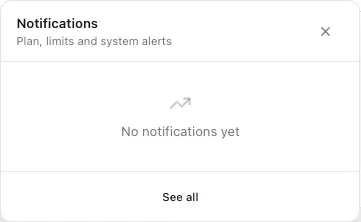
Open in the admin panel/notifications The bell in the top bar shows how many notifications from today are unread (refreshed every 30 seconds). Clicking it opens the «Notifications» panel: clicking a notification marks it read and opens the related page; «Mark all as read» marks them all; «See all» opens the full history.
The «Notifications» page lists the latest 200 notifications in the «Today», «Yesterday» and «Earlier» groups; unread ones have a tinted background.
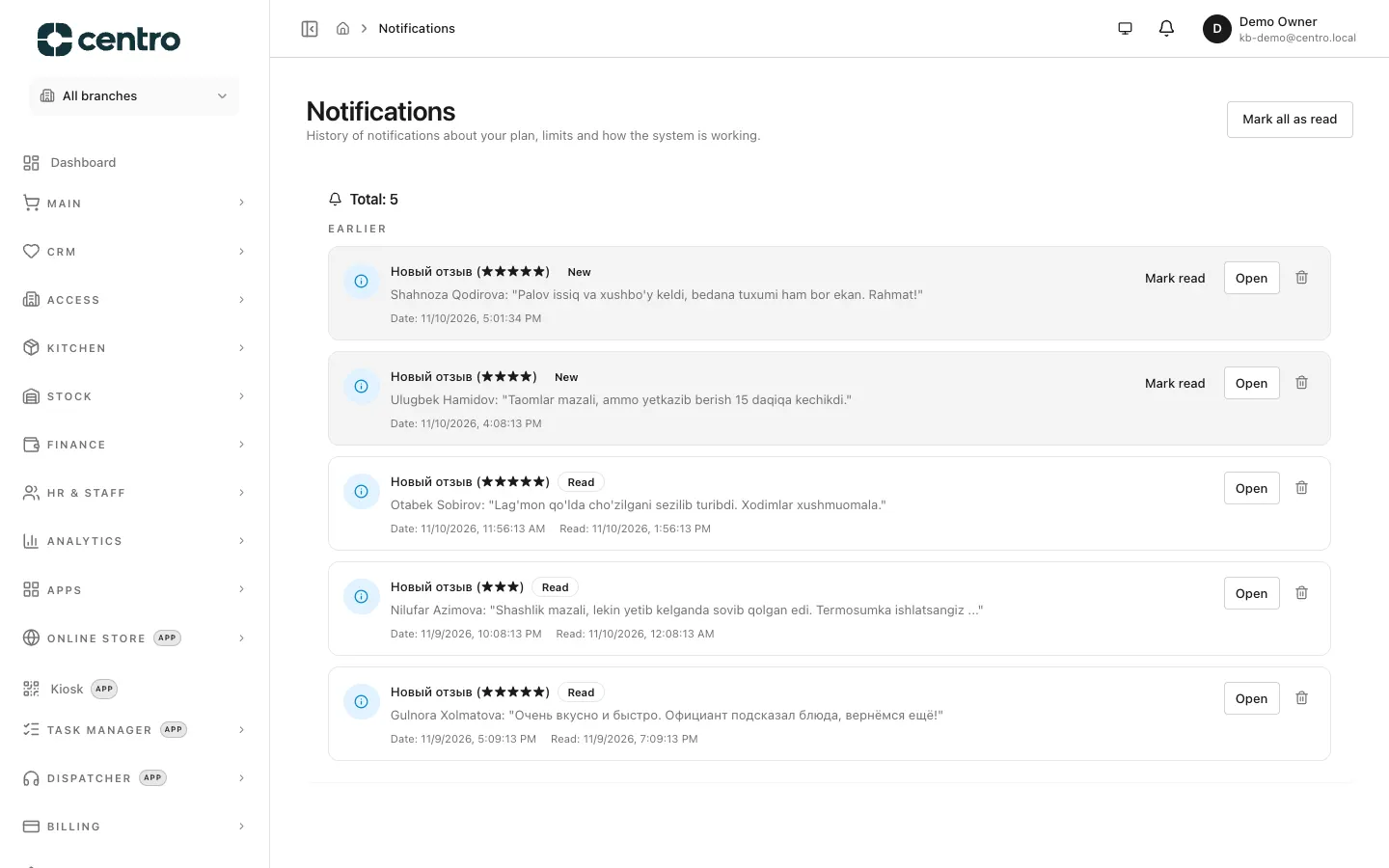
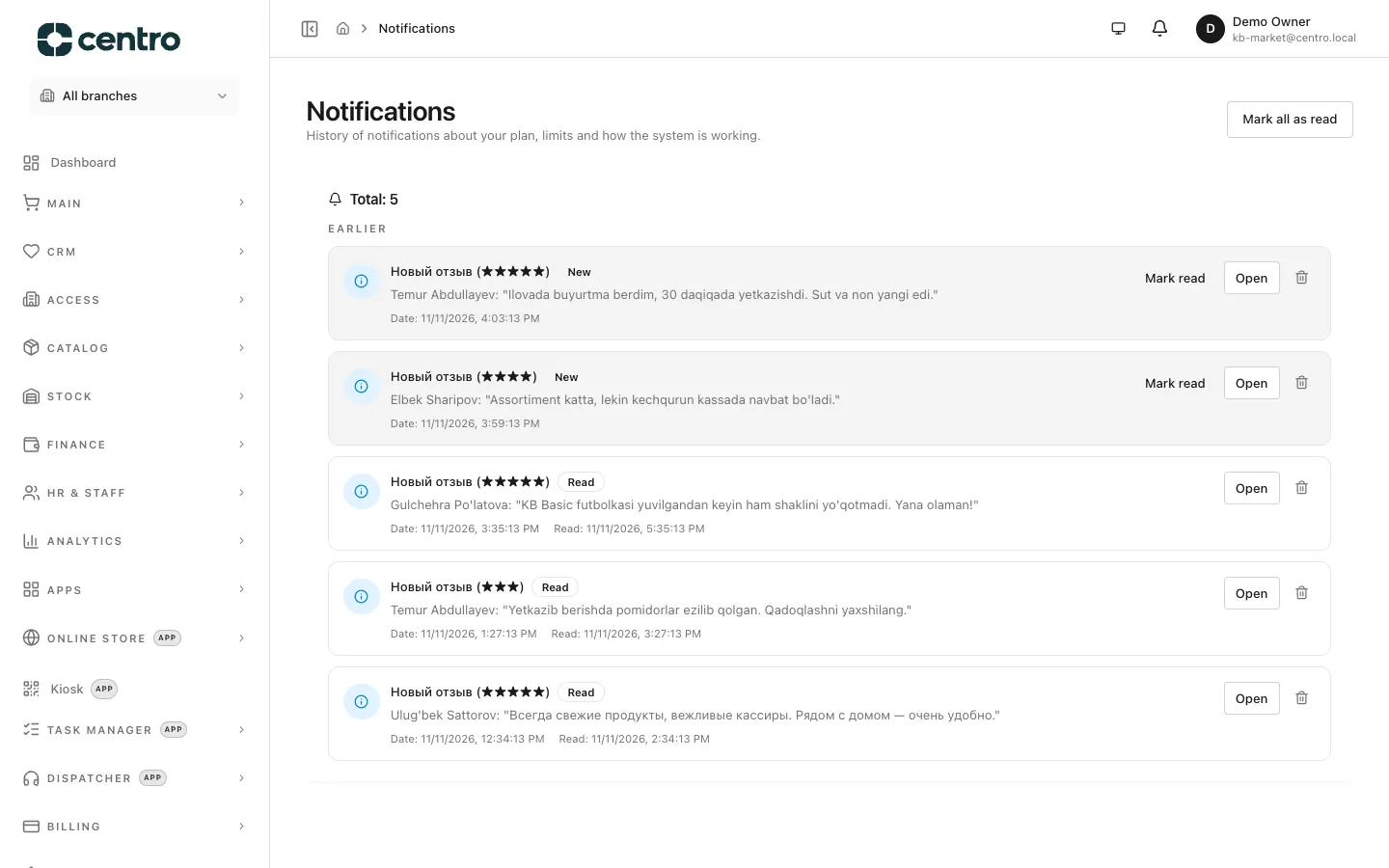
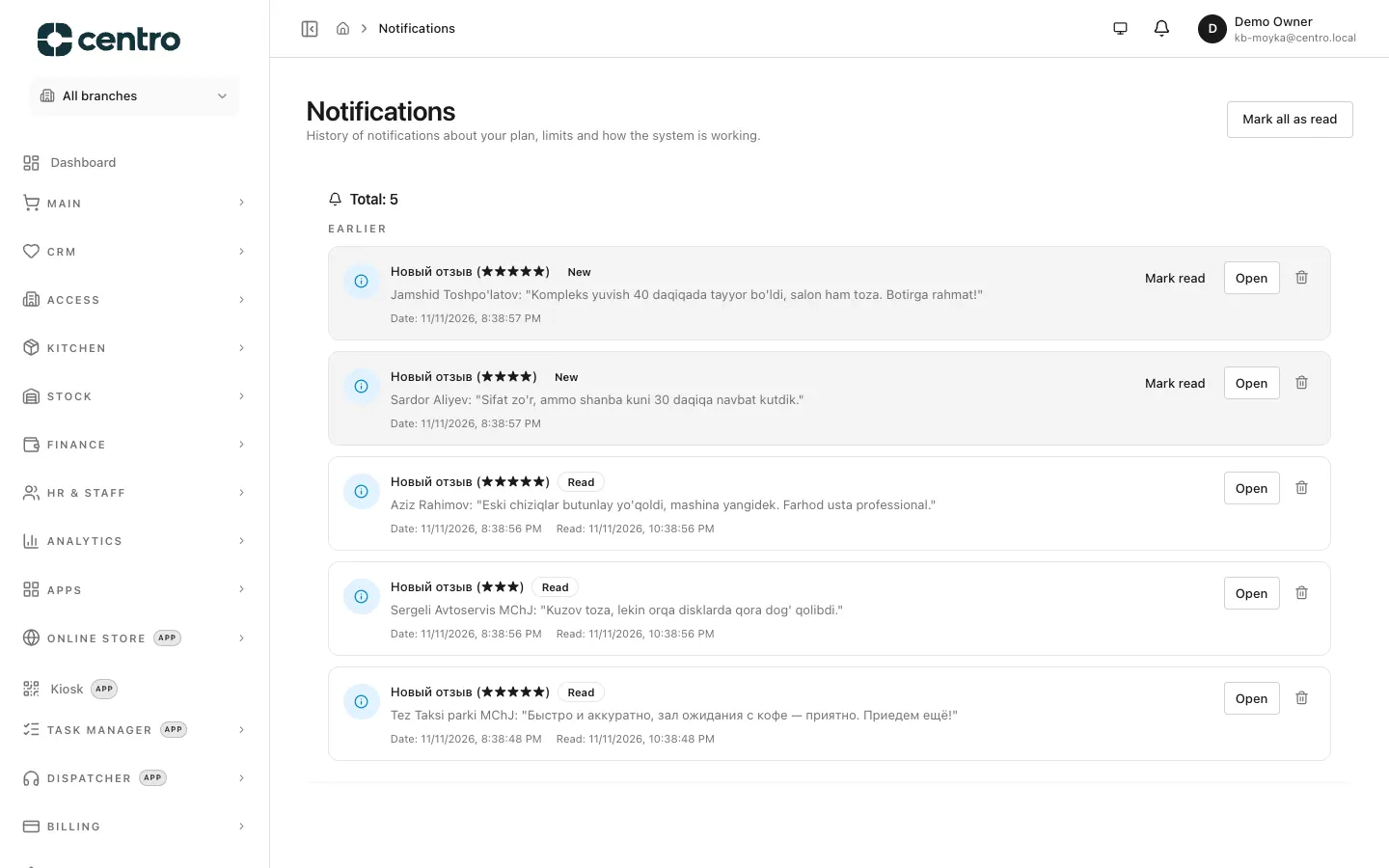
Notification card
- Icon colour
- Blue — info, amber — warning, red — error (e.g. overdue payment), green — success.
- «New» / «Read»
- The state badge; below it «Date: …» and, once read, «Read: …».
- «Mark read»
- Unread only: marks it read (clicking the card does the same).
- «Open»
- Opens the page the notification refers to; if there is none — «Billing».
- Trash icon
- Deletes the notification for good, without confirmation.
- «Mark all as read», «Total: N»
- The button is disabled when nothing is unread; «Total» is the number of notifications in the list.
Tip: The bell counts only today’s unread notifications: yesterday’s unread one is not in the counter but stays «New» in the history.
Where notifications come from #
Plan and payment, new reviews, website requests, fraud alerts.
- Plan: no plan selected, payment overdue, plan expired or cancelled, Centro’s recommendation to move up when a limit is reached. «Open» → «Billing» or «Plans».
- New review («Новый отзыв (★…)»): to staff with access to reviews of that venue. «Open» → «Reviews».
- Website request («Новая заявка с сайта»): from the online store’s contact form — to all active staff; the request becomes a task, «Open» → «Task board».
- Fraud: if «Notify administrator about fraud» is on in the «Fraud Prevention» settings — to the owner and administrators.
Tip: The notification text is written by the server and is not translated into the interface language (e.g. plan notices come in Uzbek, review ones with a Russian title). Every user has their own list and read marks.
Tip: Same for a car wash: a customer’s review after a wash arrives as «Новый отзыв».