SMS
Sending SMS to customers: provider (Eskiz.uz or Playmobile), the verification code template, send history and a test SMS.
Open in the admin panel/apps/sms/settings The SMS app connects Centro to your own SMS provider. It is used mainly for verification codes — e.g. when a customer signs in to the online store or mobile app with a phone number. Order notifications go out as push notifications, not SMS. SMS messages are paid from your account at the provider, at its rates. (This form is the same as «Settings → SMS».)
How to open
- In the sidebar, expand the Apps group — it lists the connected apps.
- Click «SMS».
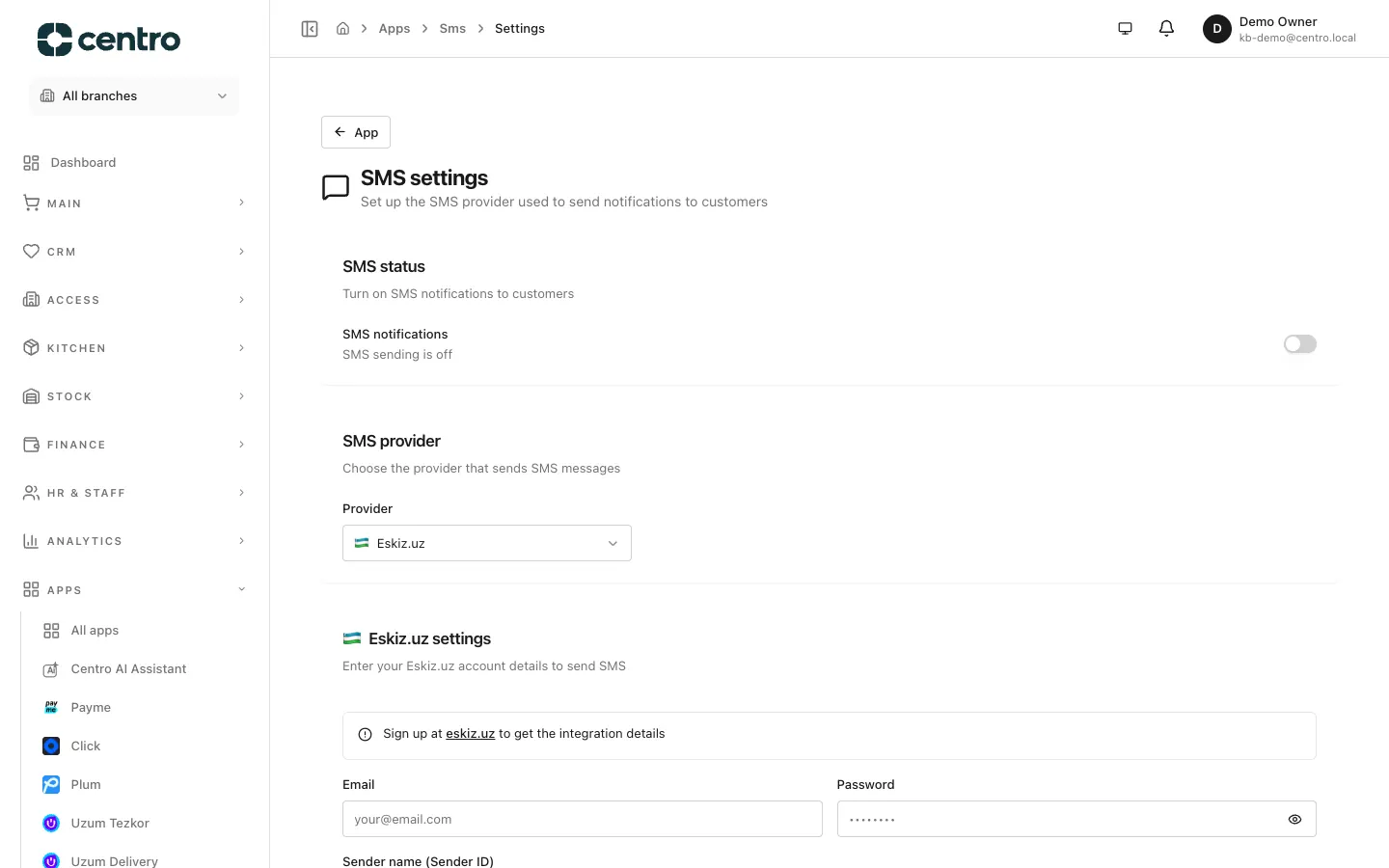
Page blocks
- «SMS status» → «SMS notifications»
- The master switch: «SMS sending is on» or «SMS sending is off». When off, no SMS goes out and the test is locked too.
- «SMS provider»
- Eskiz.uz or Playmobile («Twilio (coming soon)»). The provider details block below depends on the choice.
- «Eskiz.uz settings»
- The Eskiz account «Email» and «Password» plus «Sender name (Sender ID)» — usually a numeric ID issued by Eskiz. Email and password are required; if Eskiz rejects them, saving fails.
- «Playmobile settings»
- «Login», «Password» and «Originator» (sender name); login and password are required.
- «SMS template» → «Confirmation code»
- The verification code text, e.g. «Код подтверждения: {code}». {code} is mandatory — the code is inserted there. With Eskiz the template must be approved in the cabinet, otherwise Eskiz rejects the text.
- «SMS history»
- The last 50 attempts within 30 days, with search and refresh. «Accepted by Eskiz» means the provider accepted the request; delivery is confirmed separately.
- «Testing» → «Send test»
- Sends a test SMS to the given number — with the saved settings, so save first. Not available while SMS is off.
How to connect SMS
- Register at eskiz.uz and get the Sender ID and the verification code template approved.
- Choose the provider and enter the email, password and Sender ID.
- Fill in the template with the approved text (with {code}), switch SMS on and save.
- Send a test SMS to your own number and check the result in the history.
Important: If the Eskiz balance runs out or the operator is not allowed, SMS do not go out and the customer gets no code (cannot sign in). The reason shows in the test and the history — top up the balance in time.