How to turn the section on
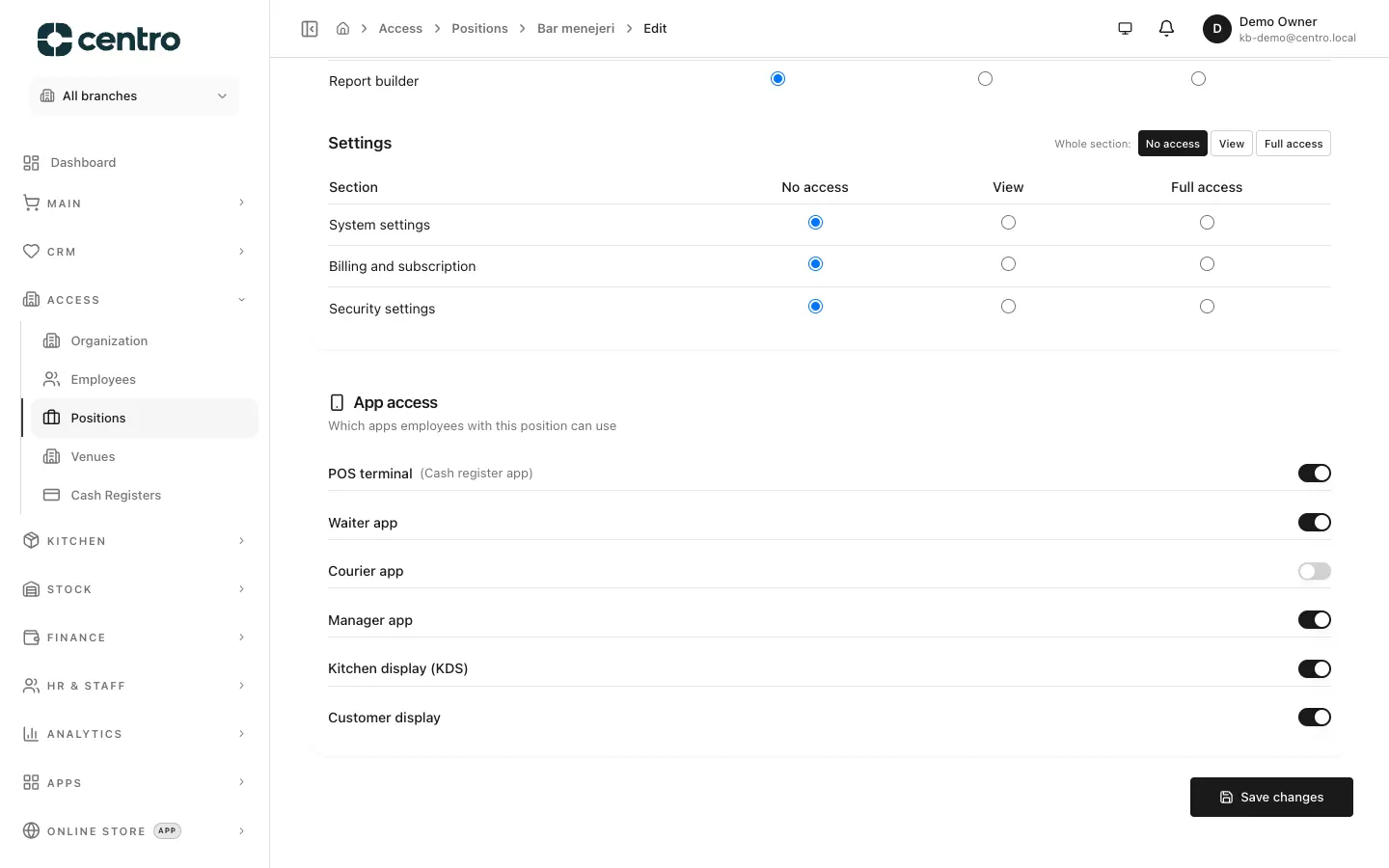
The Apps group is always there; the items depend on the «System settings» permission and the state of each app.
The Apps group is visible as soon as the app catalog loads. All its items require the «System settings» permission in the «Settings» group (at least «View»); connecting and disabling apps needs «Full access».
Menu items
- All apps
- The «System settings» permission in the «Settings» group — at least «View».
- Centro AI Assistant
- A paid app (29 USD per month, no trial) in the «Active» state. It includes a monthly token package; extra tokens are the «Centro AI — пакет токенов» module (10 USD).
- Connected integrations
- Payme, Click, Plum, Uzum Tezkor, Uzum Delivery, SMS, Telegram Bot, Noor Delivery, Millennium Taxi, TV Menu and others appear by themselves when the app is «Connected», «Active» or in «Trial». Free ones are connected by default. Telegram Bot and TV Menu are visible only with the «Online store» module.
- Yandex Eats
- When the paid «Yandex Eats» module (10 USD per month) is active. The item opens Settings → Integrations → Yandex Eats.
How to connect a paid app
- In Apps → All apps find the card and press the main button: «Start trial» (if there is a trial) or «Buy».
- On the «Module payment» page choose the term, get the invoice and pay it. During a trial the app works immediately.
- Once the app is «Active», its item appears in the menu; enter its data via «Open settings».
Important: «Disable app» on the app page hides the item at once but does not stop the module payment. To stop paying, press «Disconnect» in Billing → Plans → Additional modules.
Tip: The organization owner (and the «Super-admin» position) does not depend on position permissions: they see every item whose plan and app conditions are met. The permission matrix restricts only the other employees.