Payment Methods
Which payment methods brought in the revenue for a period: cash, card, Payme, Click, on credit.
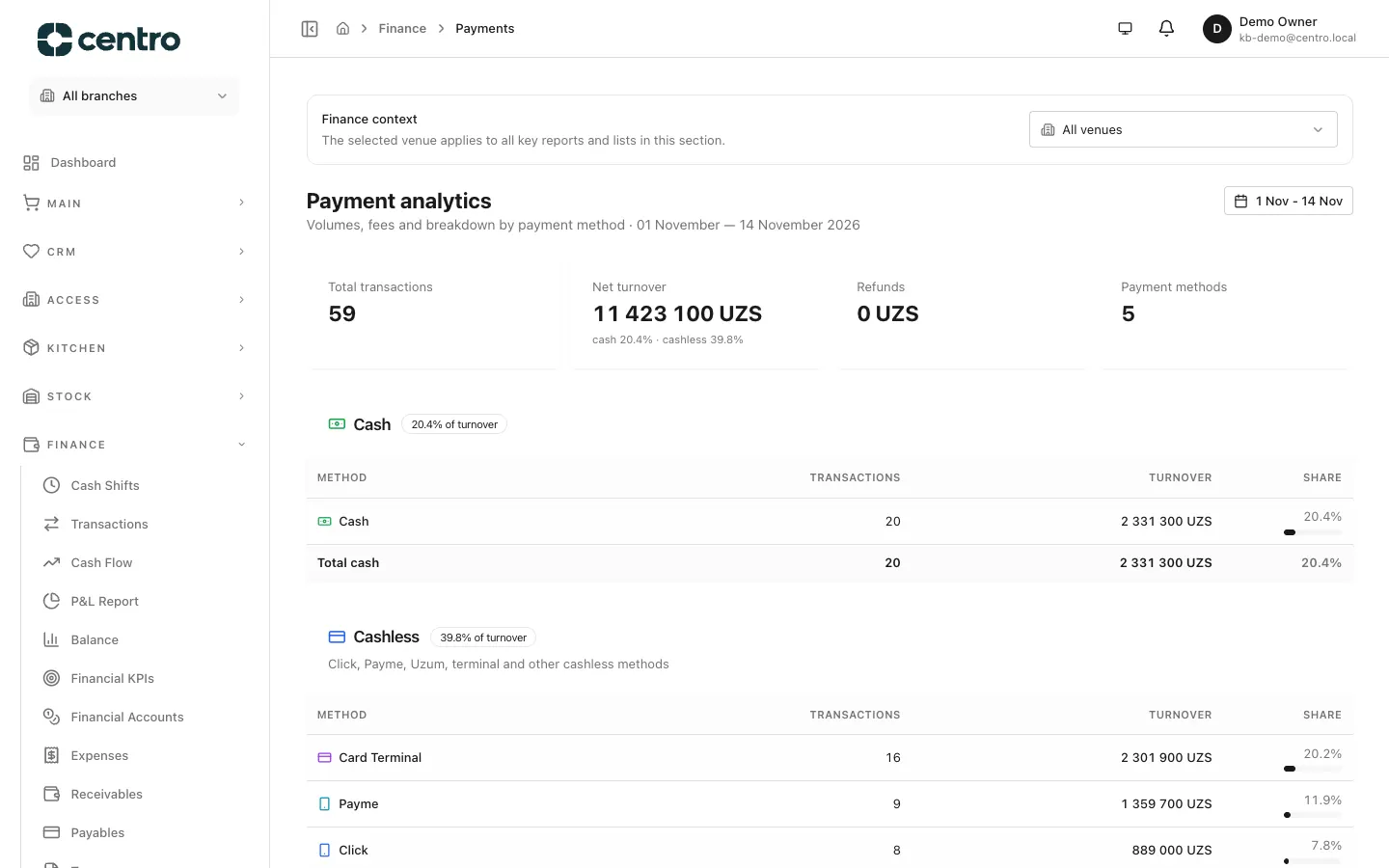
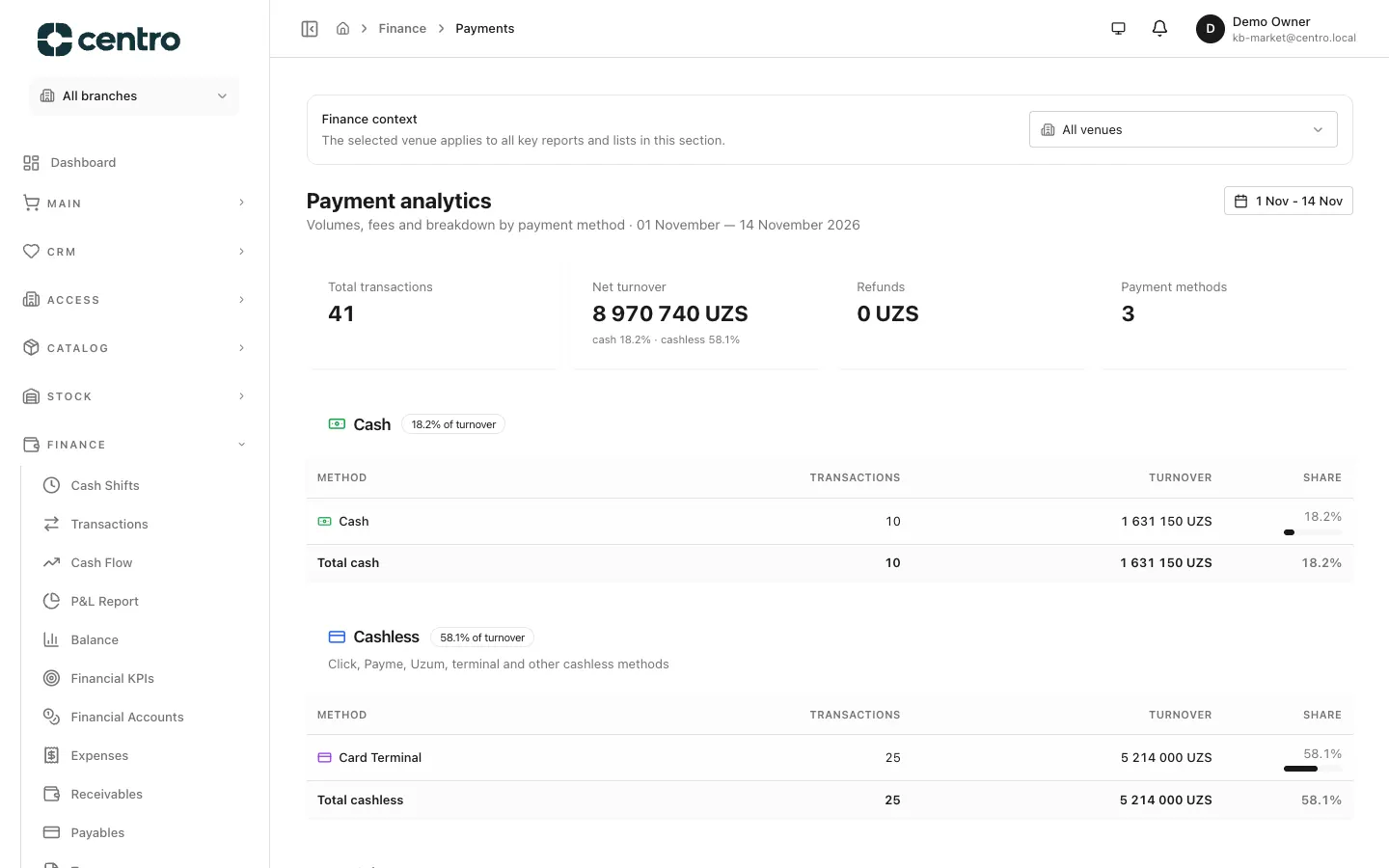
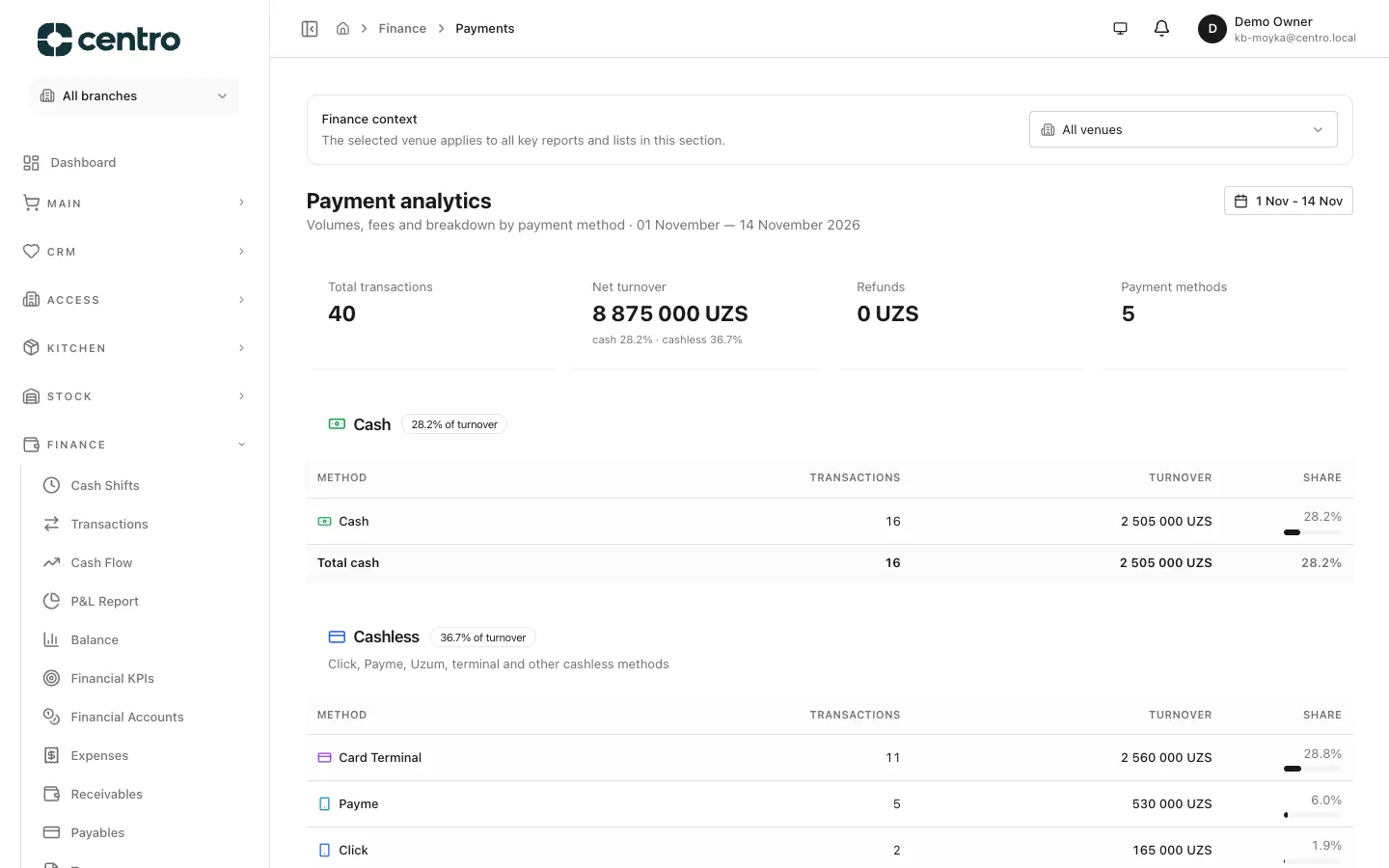
Open in the admin panel/finance/payments The «Payment Methods» menu item opens the «Payment analytics» page. It does not configure methods (Settings do that); it totals the payments accepted for orders by method and type. At the top is the «Finance context» bar: figures follow the selected venue. On the right is the date filter, the current month by default; the chosen period is written under the header.
How to open
- In the sidebar, expand the Finance group.
- Click Payment Methods.
Cards
- «Total transactions»
- The number of paid payments. An order paid with two methods counts as two payments.
- «Net turnover»
- Payments minus refunds. Underneath — the cash and cashless shares.
- «Refunds»
- Money returned to customers; shown in red when above zero.
- «Payment methods»
- How many different methods were used in the period.
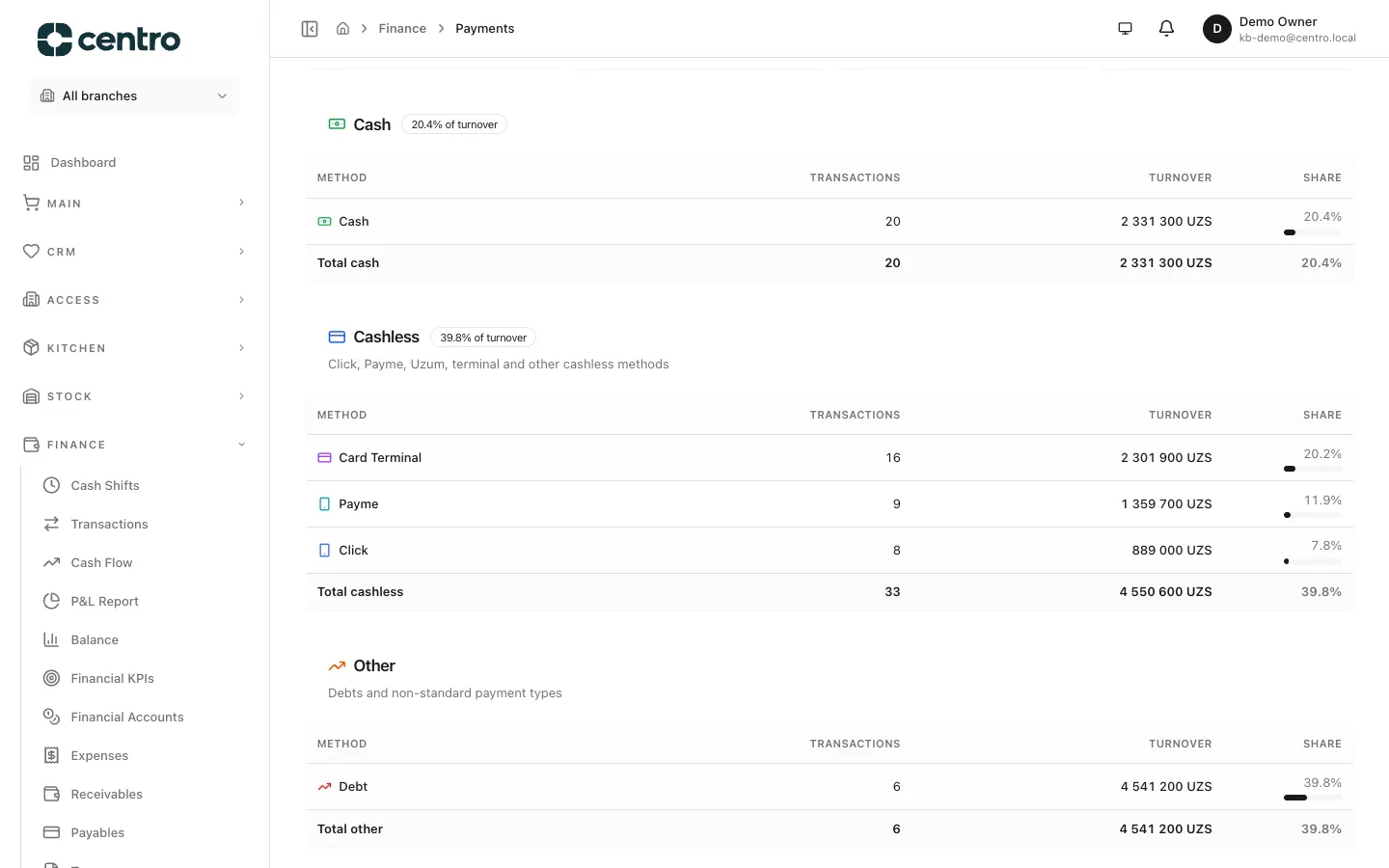
Groups
- «Cash» — cash payments at the till.
- «Cashless» — Click, Payme, Uzum, terminal and other cashless methods.
- «Other» — debts and non-standard payment types, e.g. orders on credit. They are shown separately so they do not vanish from the report.
- The badge in each group header is its share of total turnover; each table ends with a «Total …» row.
Table columns
- «Method»
- The payment method name as it was saved at payment time.
- «Transactions»
- The number of payments with this method.
- «Refunds»
- Appears only when the period had refunds.
- «Turnover»
- The net amount for the method (after refunds).
- «Share»
- The method’s percentage of total net turnover, with a bar.
Tip: The period is based on when the payment was taken, not on the order date; cancelled and deleted orders are excluded. So totals can differ slightly from «Taxes» or the sales reports. Despite the word “fees” in the subtitle, provider fees are not shown on this page.