Overview
A live panel for today: who is on shift, who is on break, who was late and who did not show up — plus quick buttons to the HR sections.
Open in the admin panel/hr The page header is «HR & staff». Nothing is entered here: the figures come automatically from employees’ clock-in/clock-out marks (PIN code, QR code, Face ID or manual) and refresh on their own every 30 seconds. The panel shows today only and the whole organization — the branch selector has no effect here.
How to open
- In the sidebar, expand the HR & staff group.
- Click Overview.
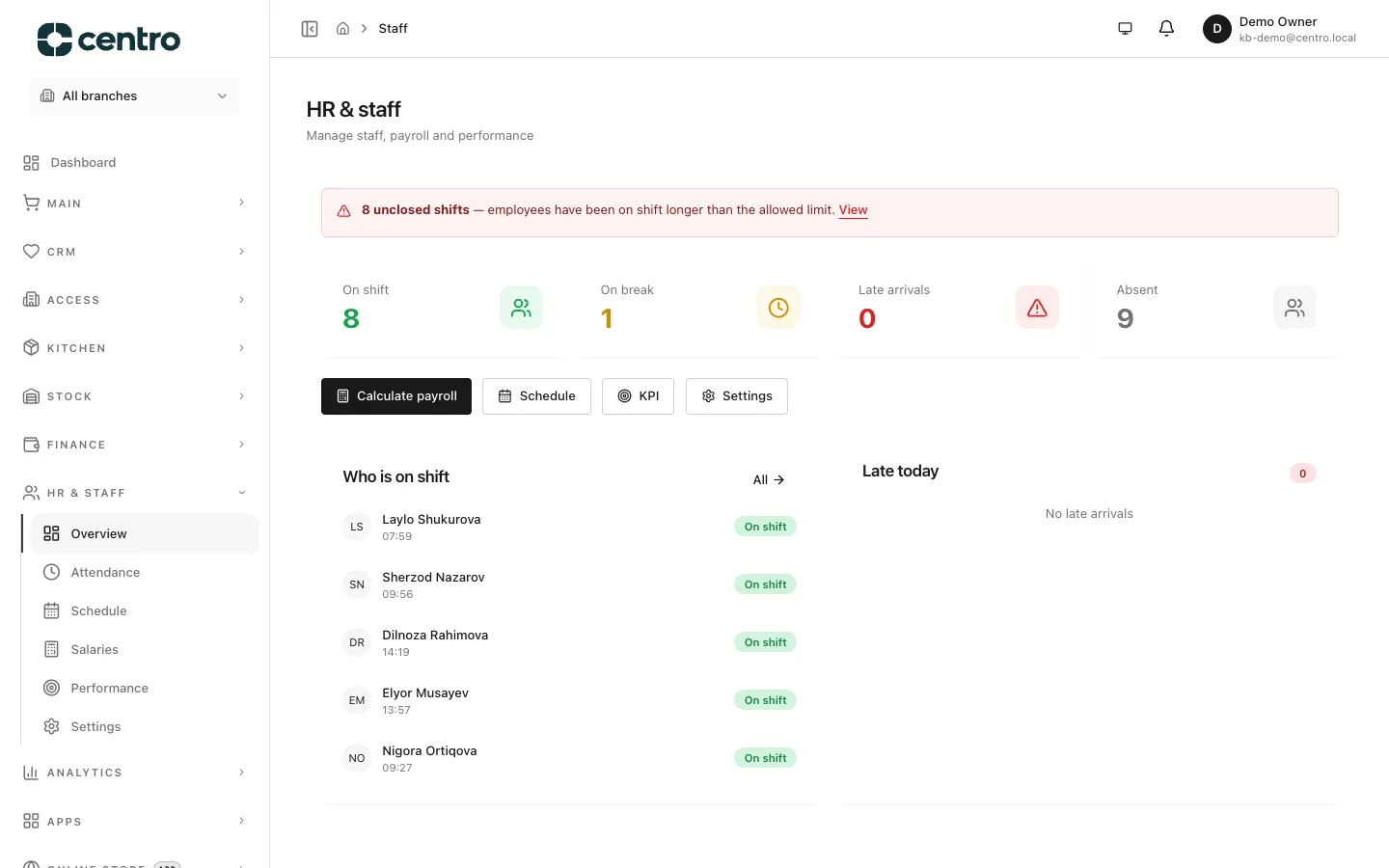
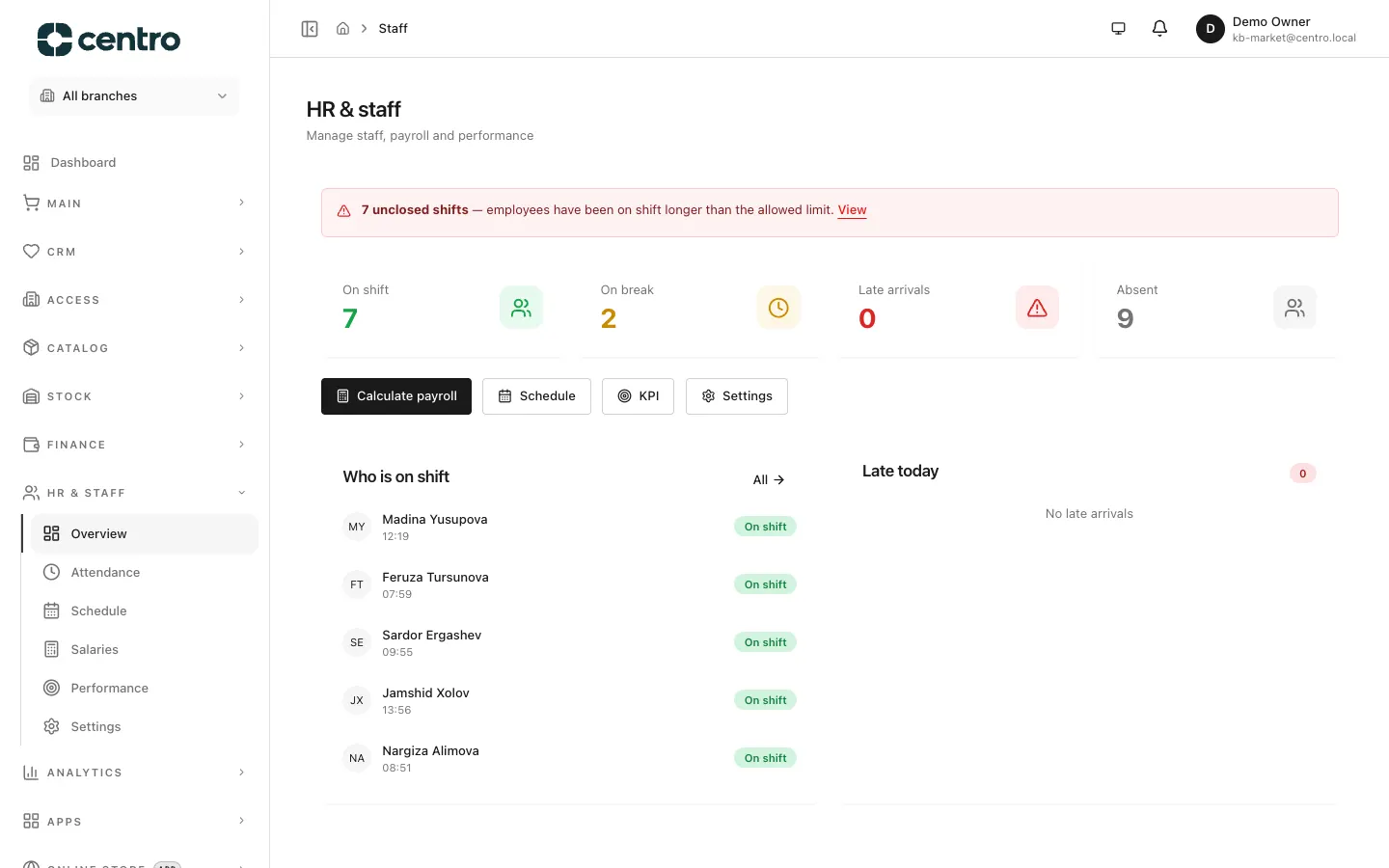
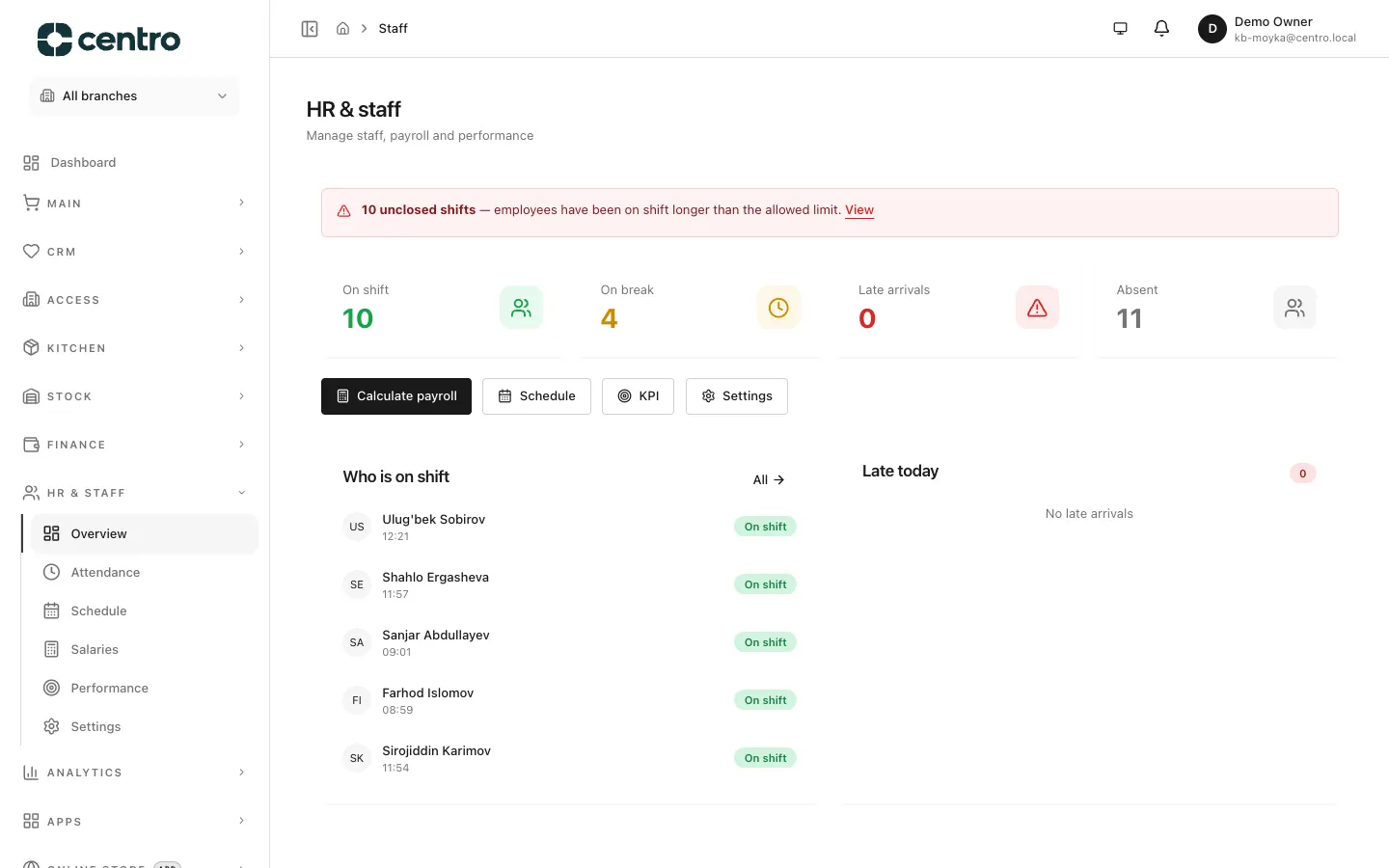
Counters
- «On shift»
- How many shifts are open right now: there is a clock-in but no clock-out yet.
- «On break»
- Employees who marked «Break» and have not yet marked «Back».
- «Late arrivals»
- How many people arrived later than their scheduled shift start today. Lateness is only counted for employees who have a shift in the schedule.
- «Absent»
- Employees who have a shift scheduled today but no clock-in at all.
Important: If a red «N unclosed shifts» warning appears at the top, someone forgot to clock out and the shift has reached the maximum shift length (16 hours by default, changed in the HR settings). The «View» button opens the «Attendance» page. Hours of such a shift are capped at the limit, so check and correct it — otherwise payroll will be wrong.
Quick buttons
- «Calculate payroll» opens the «Salaries» page.
- «Schedule» — the shift schedule.
- «KPI» — the «Performance» page (KPIs and goals).
- «Settings» — HR settings: pay schemes, penalties, multipliers.
Bottom blocks
- «Who is on shift»
- The first 5 employees on an open shift: name, clock-in time, a red lateness badge (for example «+12 min») and the «On shift» badge. Clicking a row opens the employee card; «All» opens the «Attendance» page with the full list.
- «Late today»
- The number of people late today and the first 5 of them with how late they were. Lateness over an hour is written as «+1h 20m».
Tip: For lateness and «Absent» to be correct, first build the shifts on the «Schedule» page. Without a schedule an employee who clocks in still shows «On shift», but no lateness is calculated.